

Mark a no-show
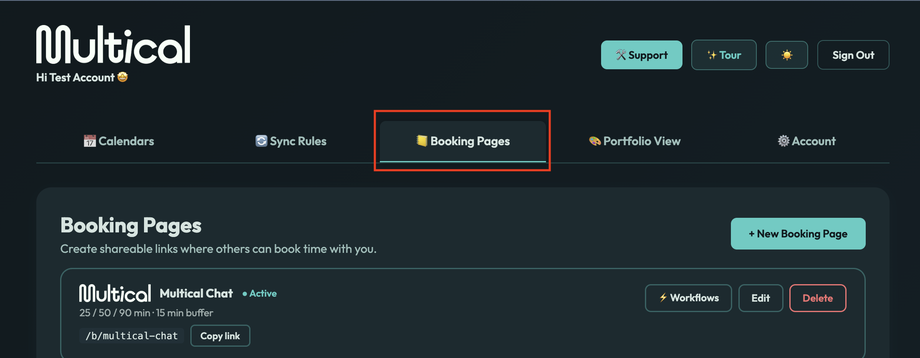
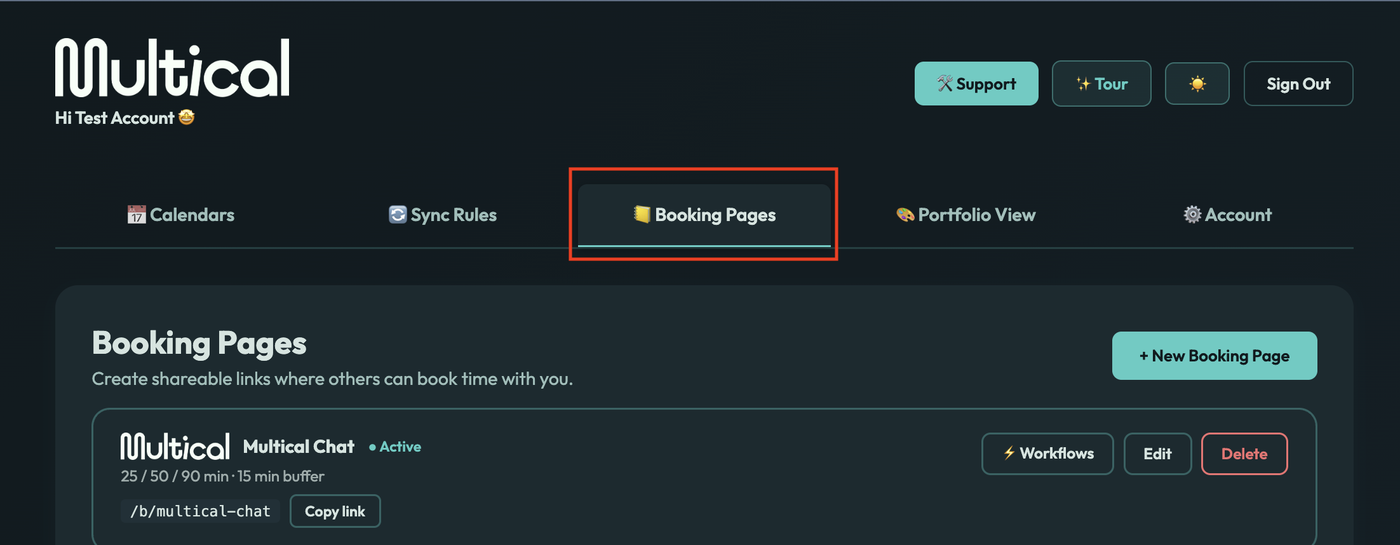
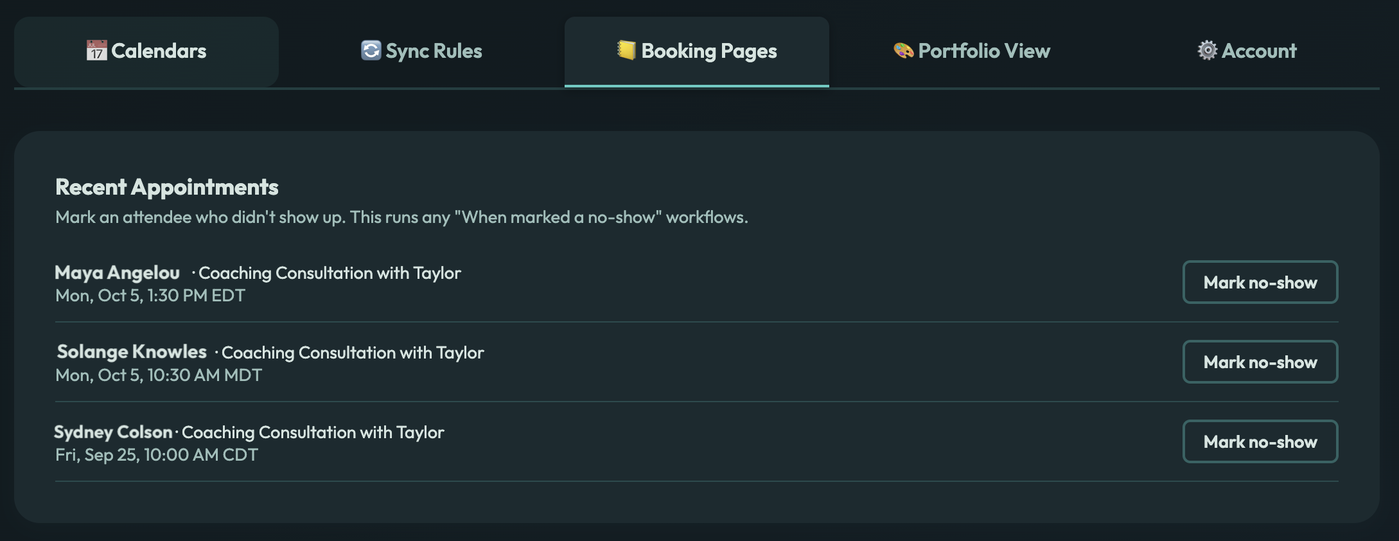
Open the Booking Pages tab.
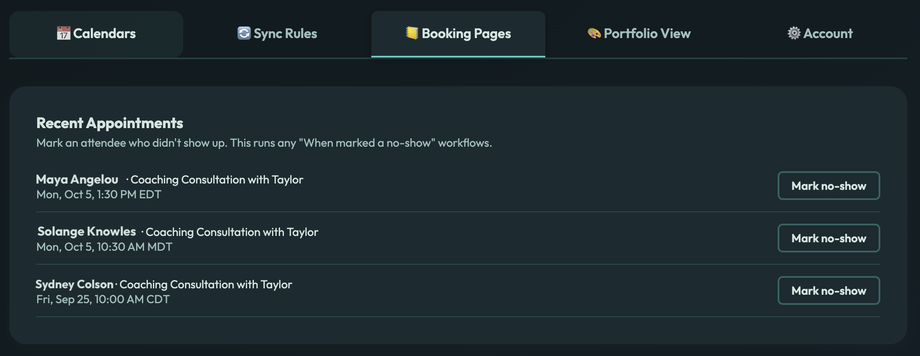
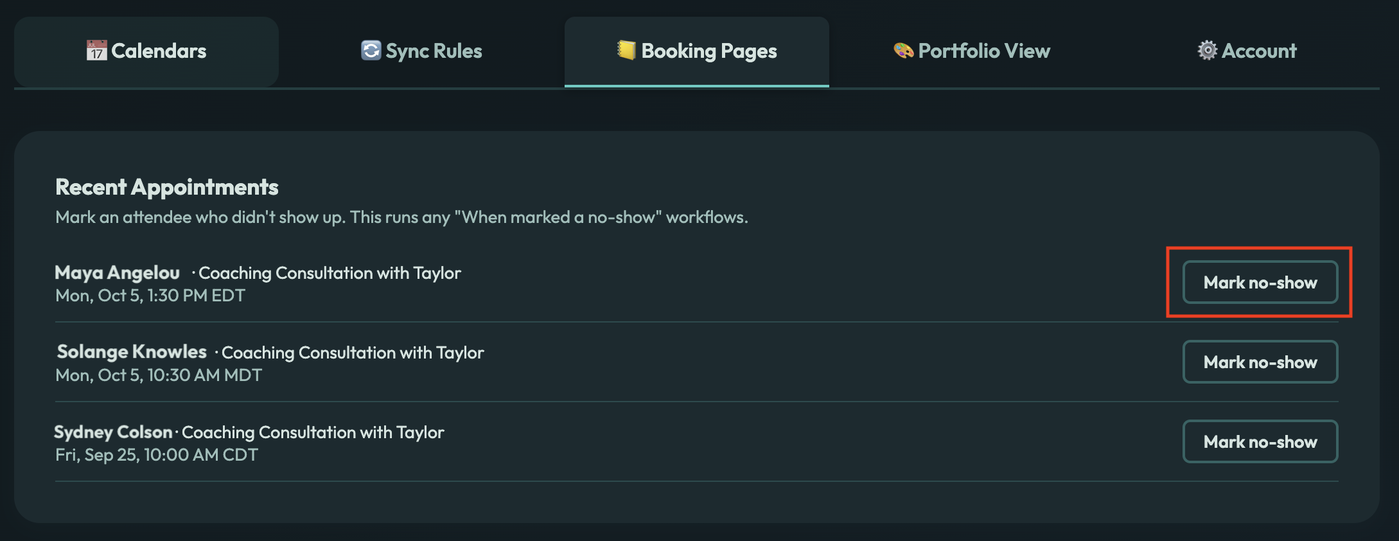
Find the attendee in the Recent Appointments list. It shows confirmed sessions that ended in the last 14 days.
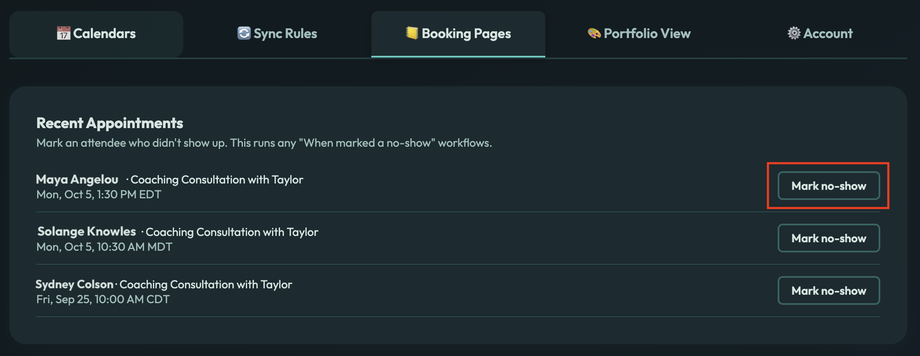
Select Mark no-show and confirm.
Any "When marked a no-show" workflows on that booking page run right away. You can only mark a session as a no-show after it has ended.