

Prefer video? We’ve got you.
Changing event details
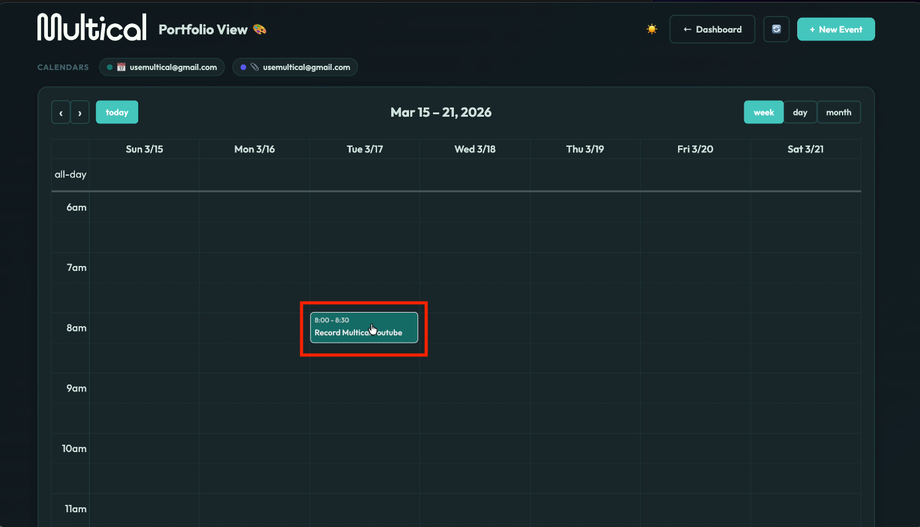
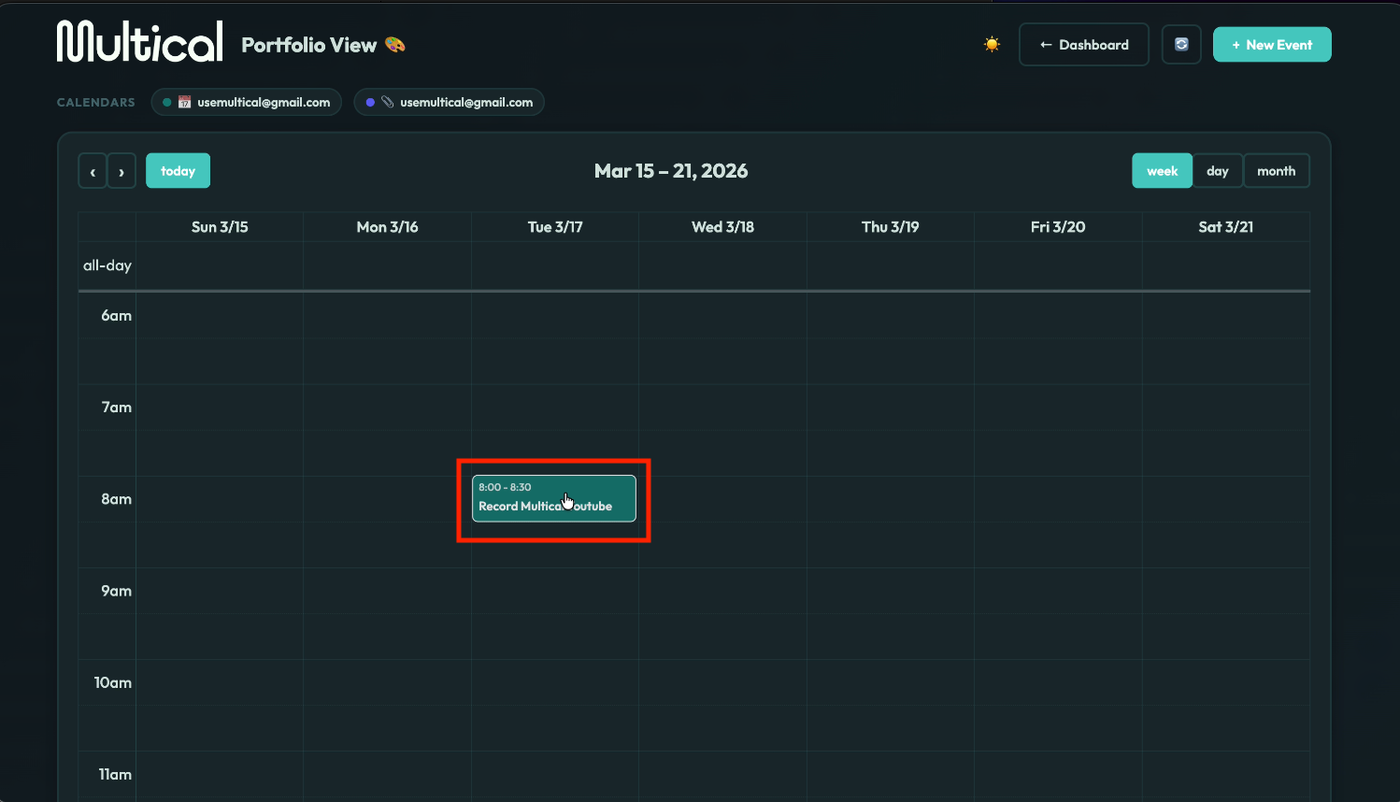
Left click on the event you’d like to update.
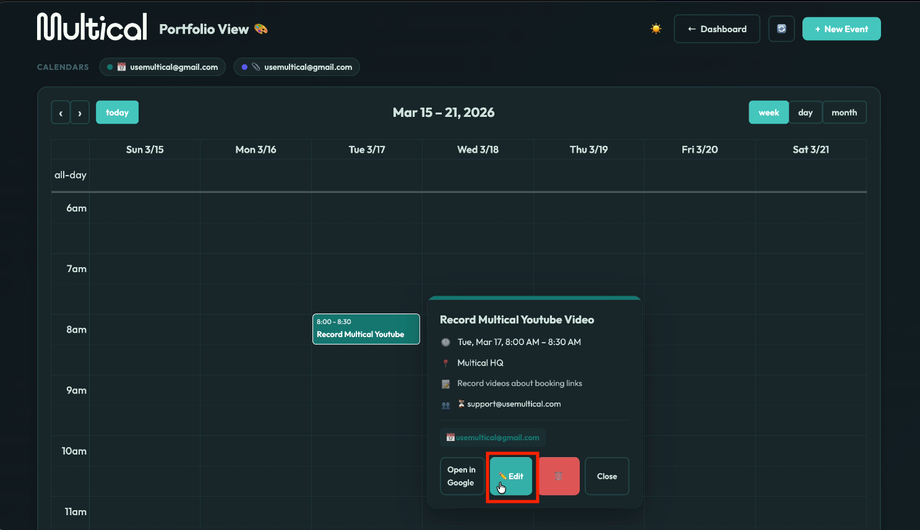
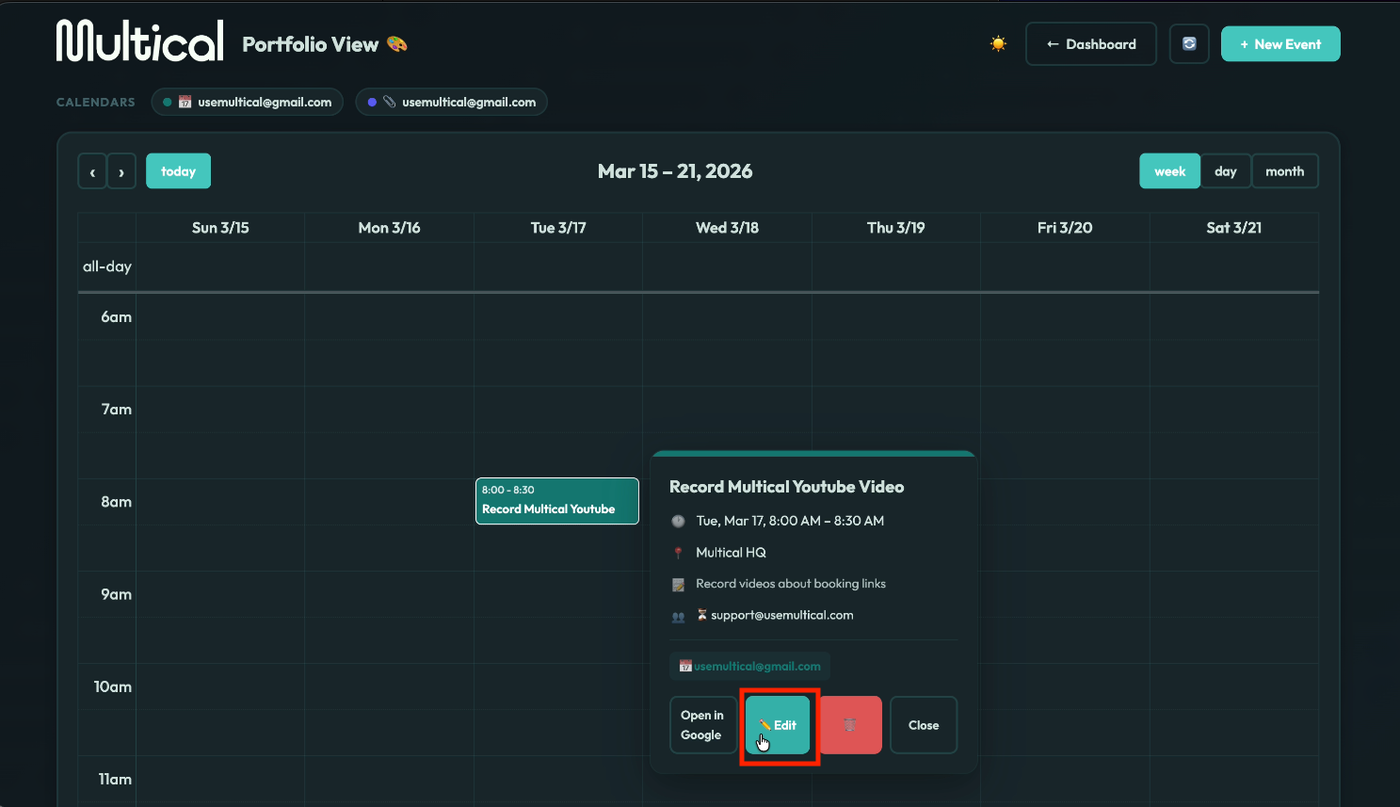
Click the edit button.
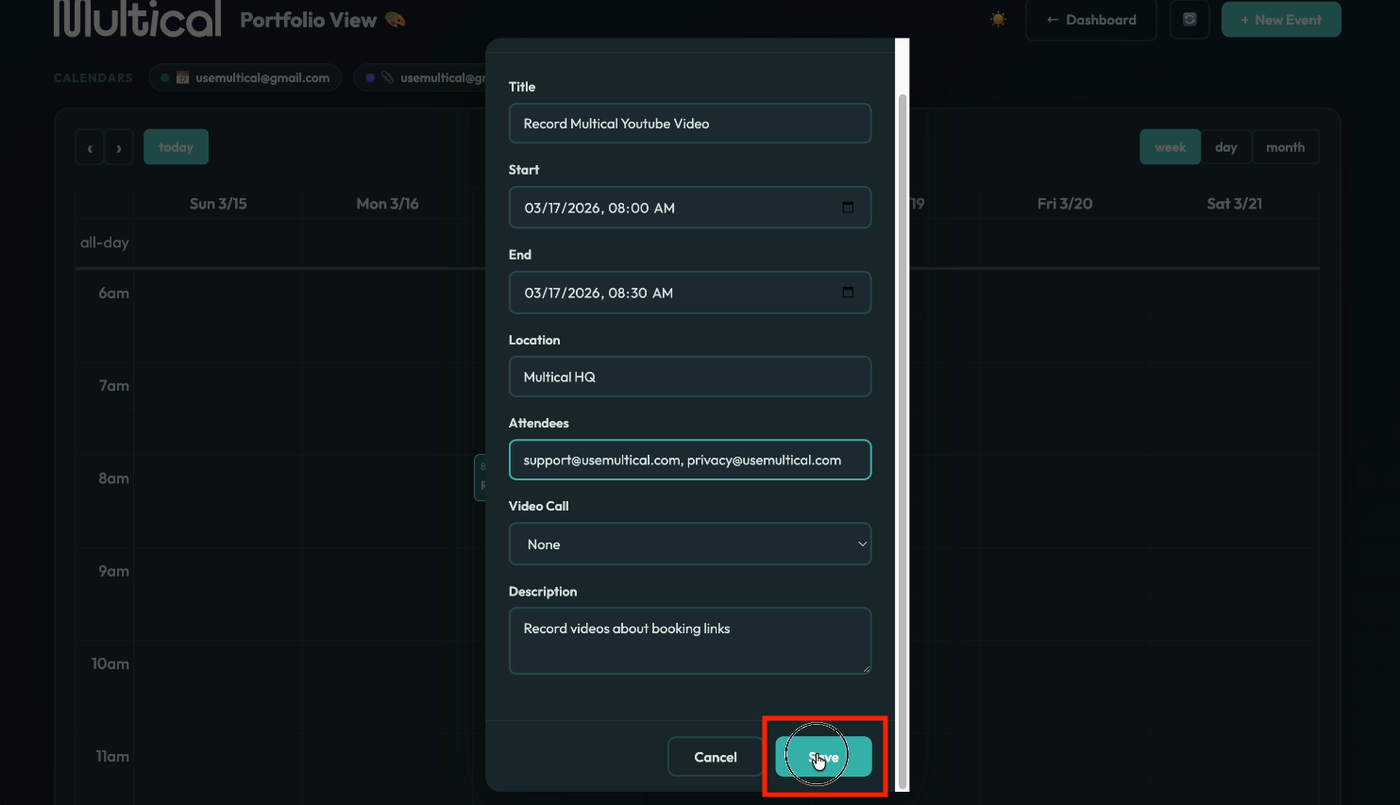
Update your details, and click save. Note: If adding attendees, remember to add a comma between emails.
Changing the length or date of an event
To change the length of an event, click on the event and drag the arrows up or down.

To change the date of an event, click on the event and drag it to your desired date.
