
Prefer video? We’ve got you.
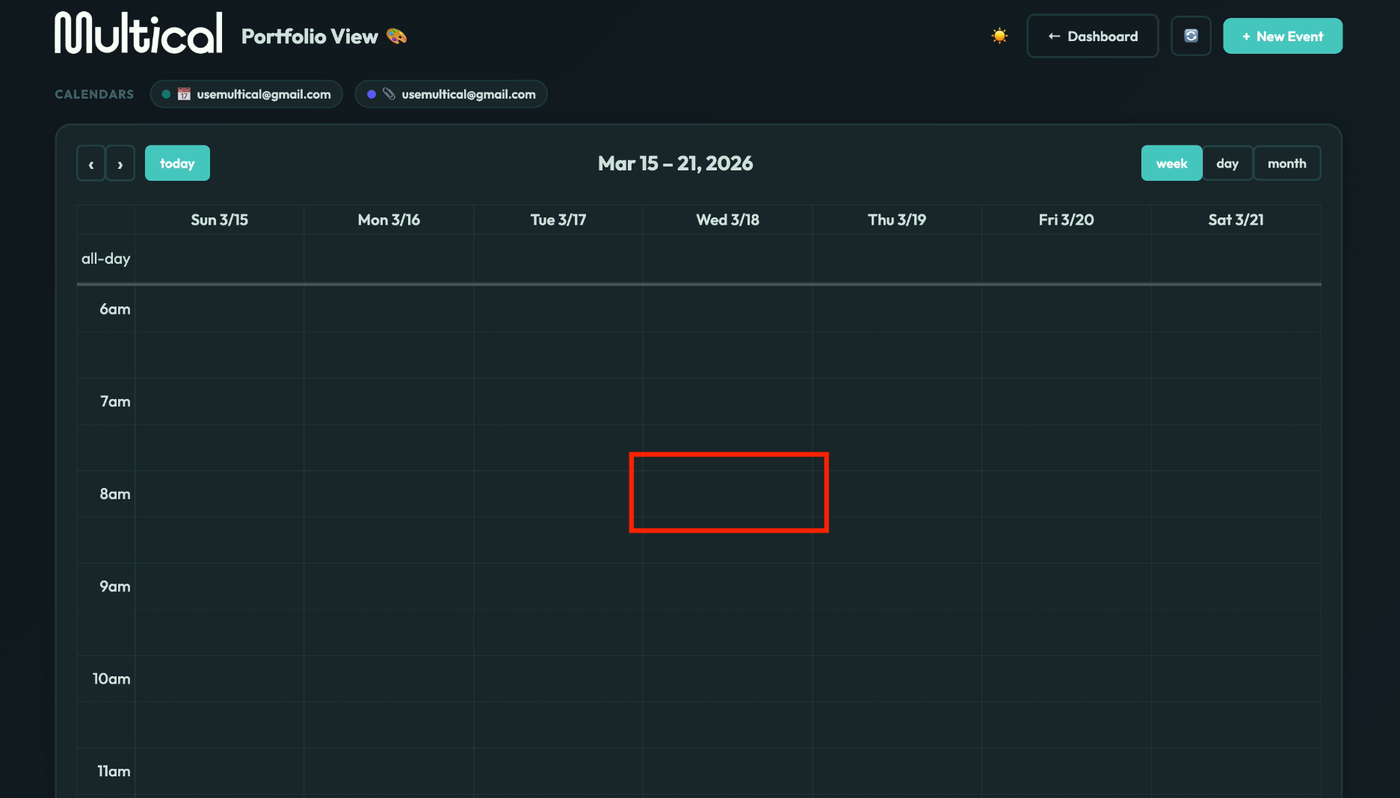
Left click on the time slot where you’d like to meet.
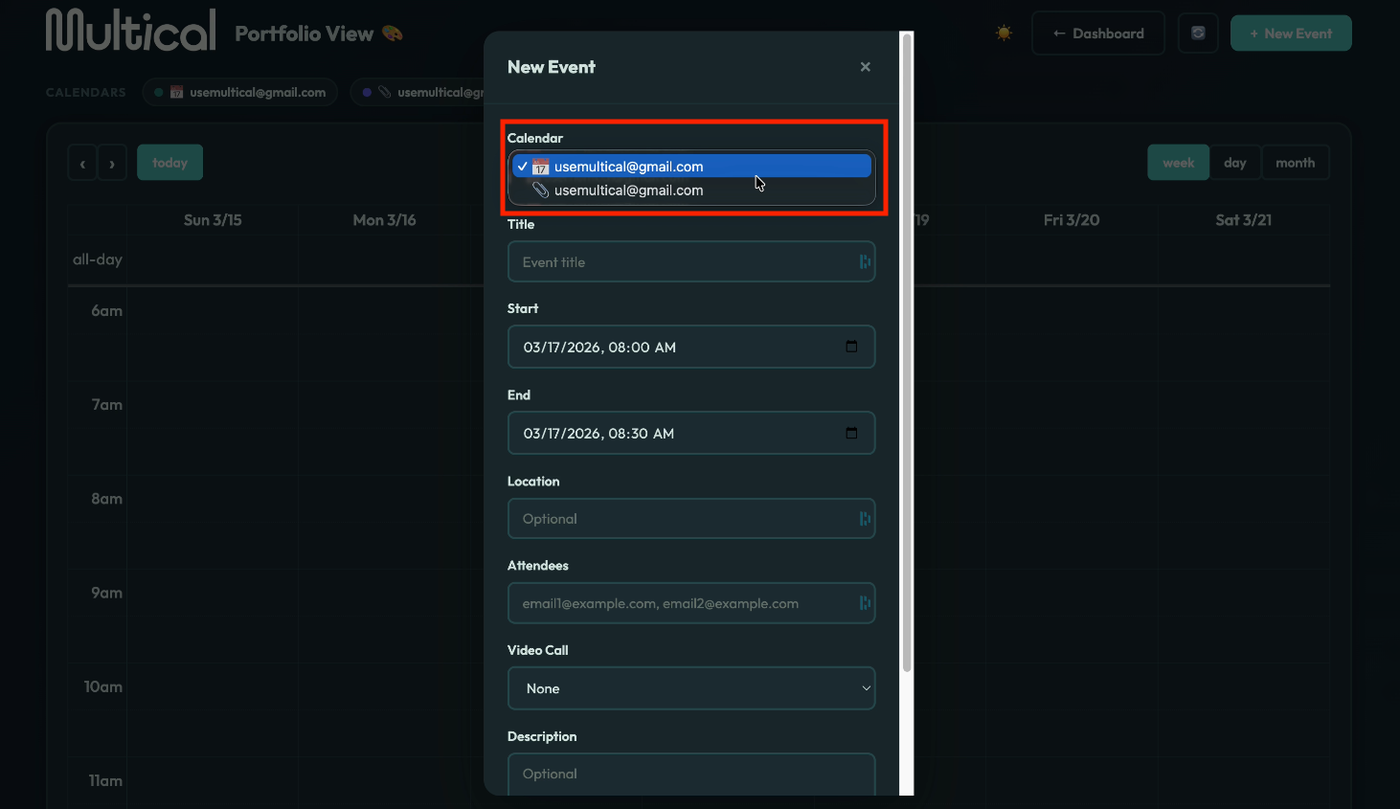
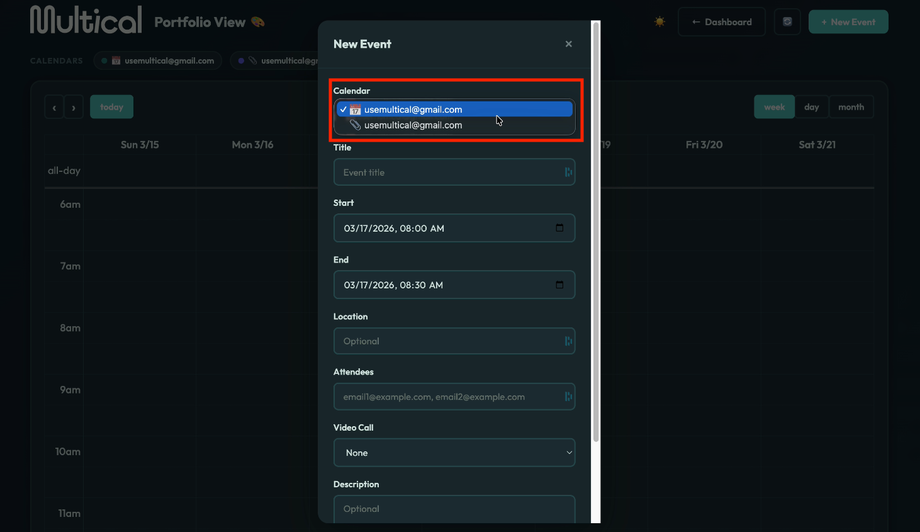
Select the calendar you’d like to add the event to.
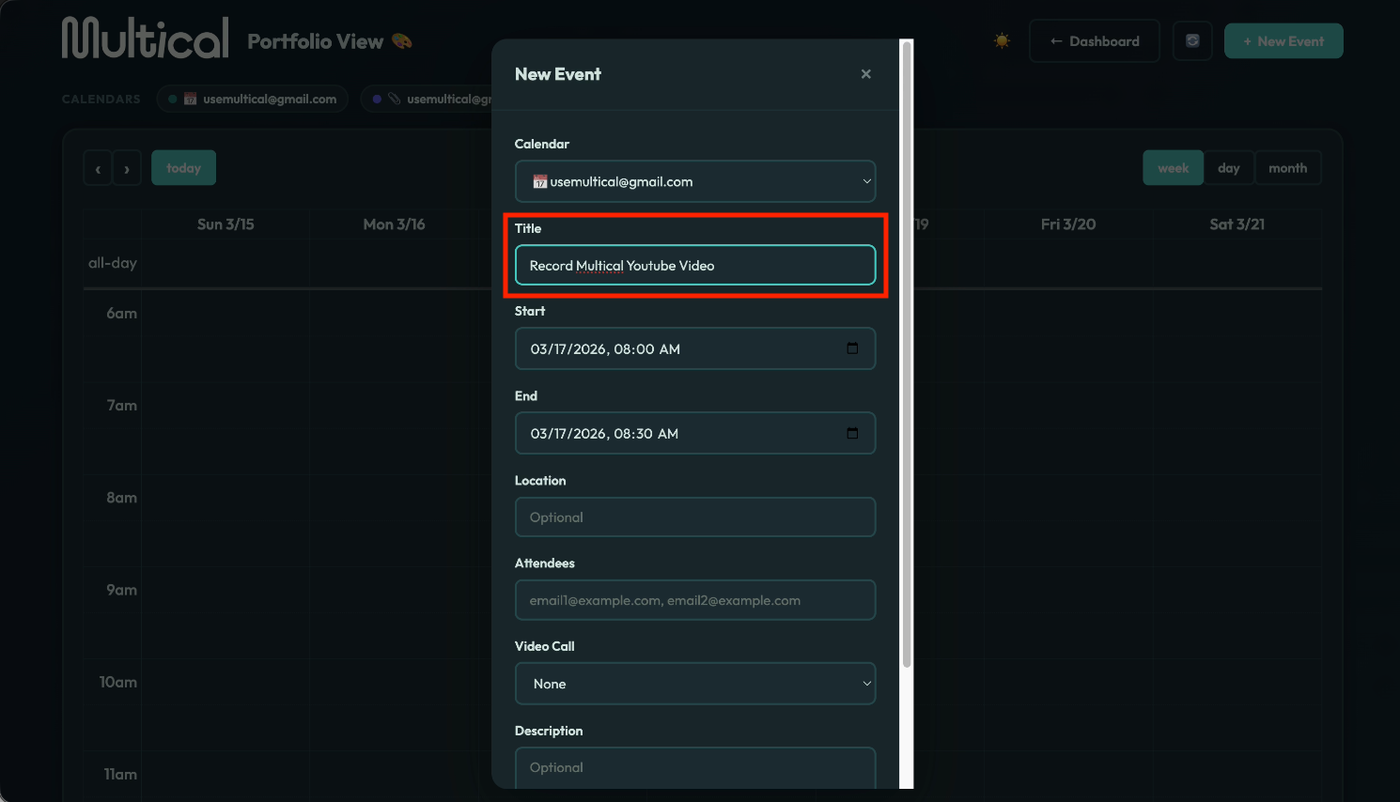
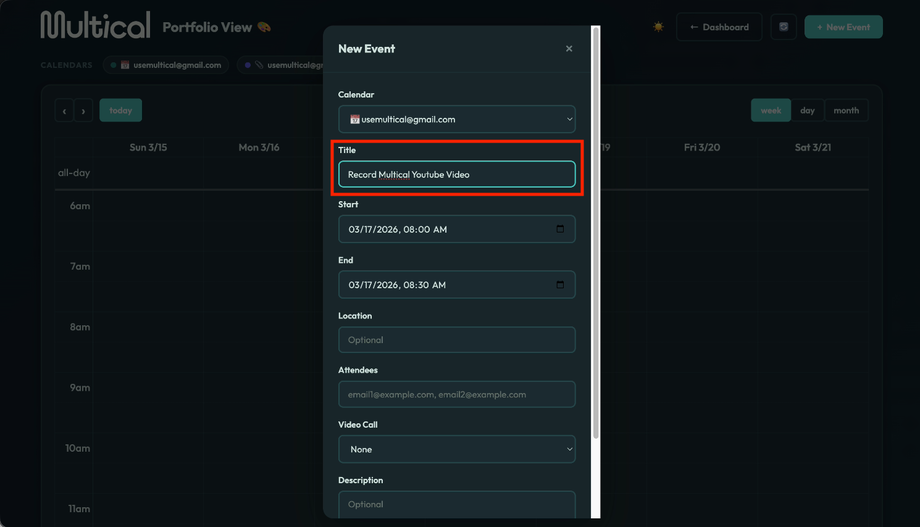
Name your event.
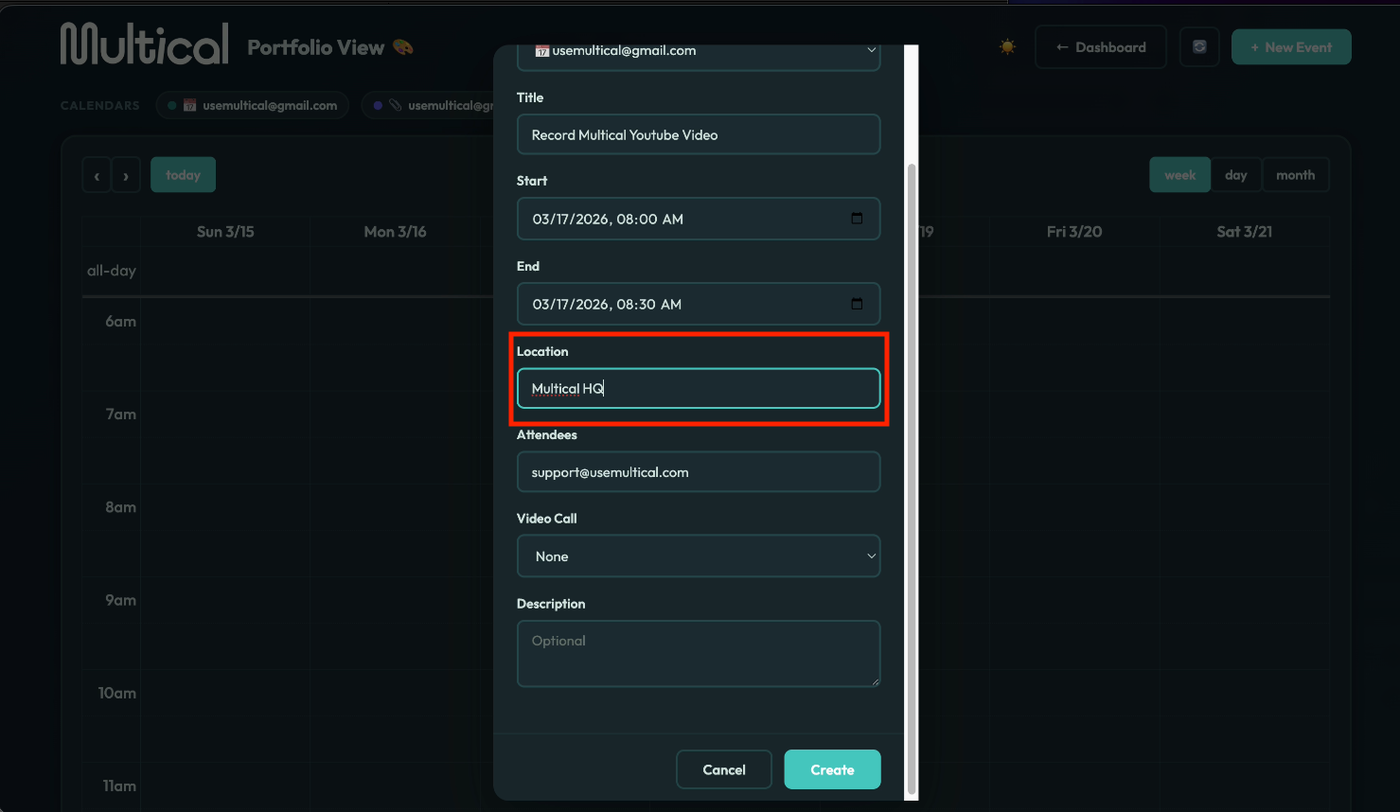
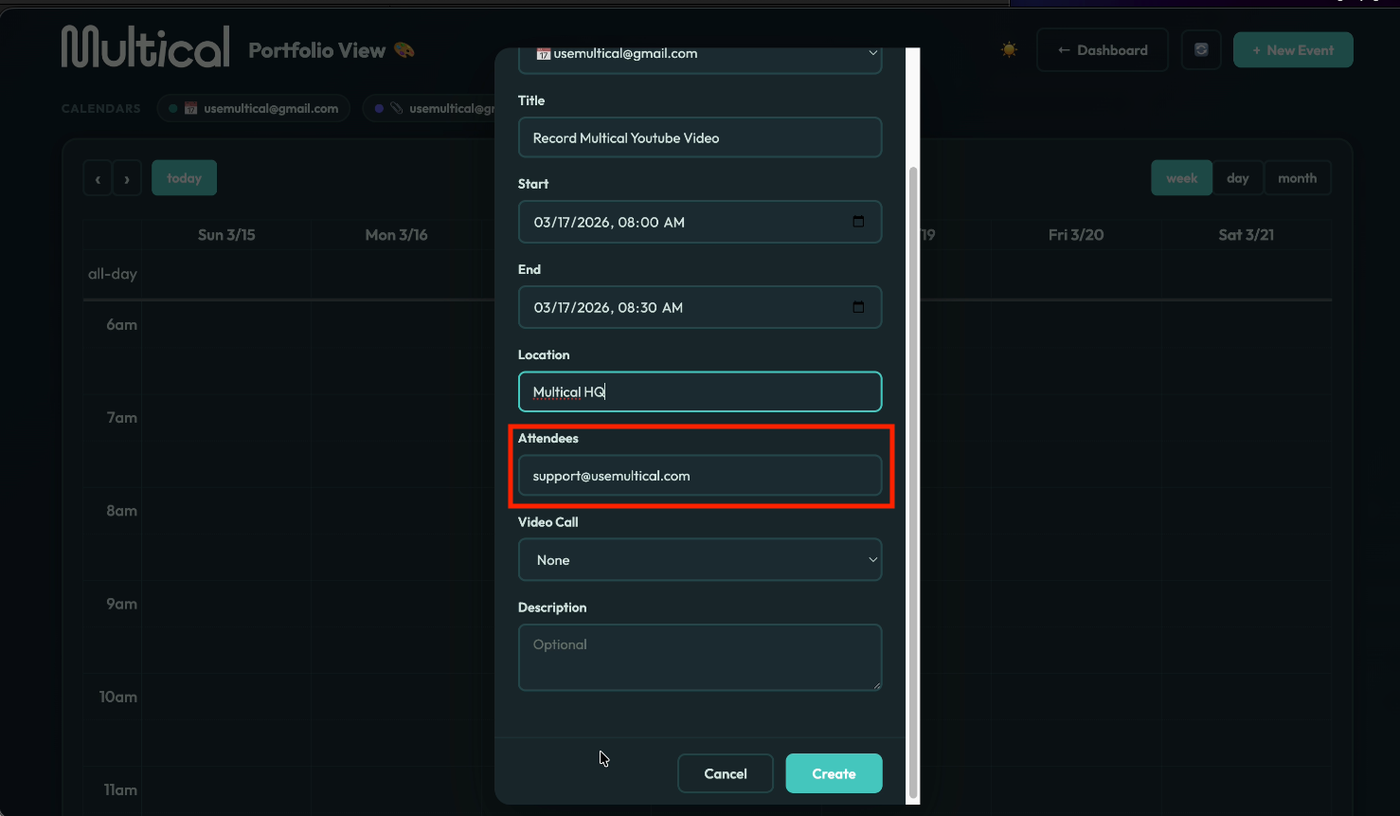
Add your location, if applicable, for an in person event to add your own video conferencing link.
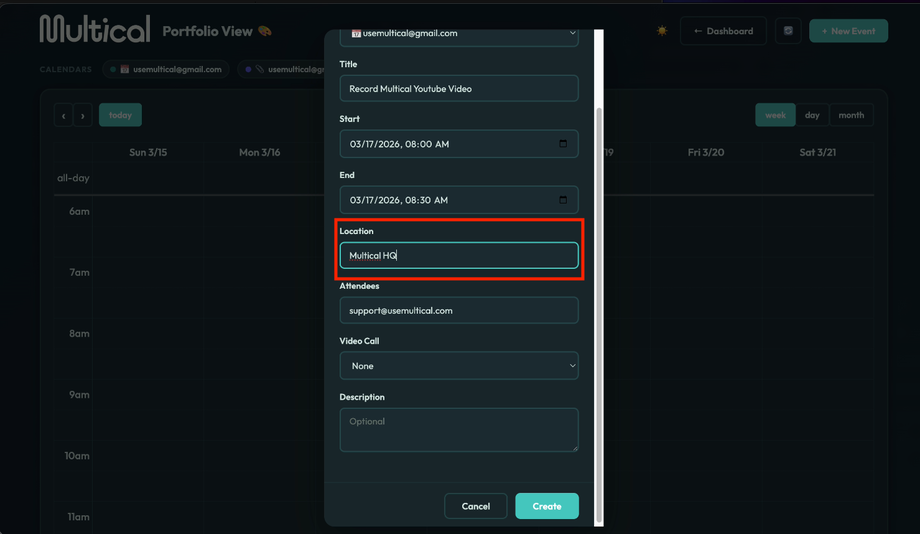
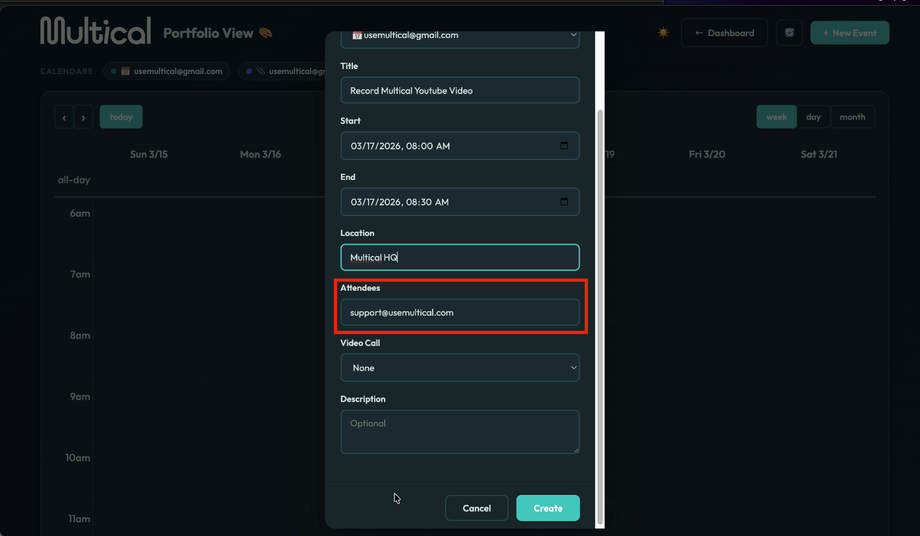
Add your attendees., putting a comma between each attendee.
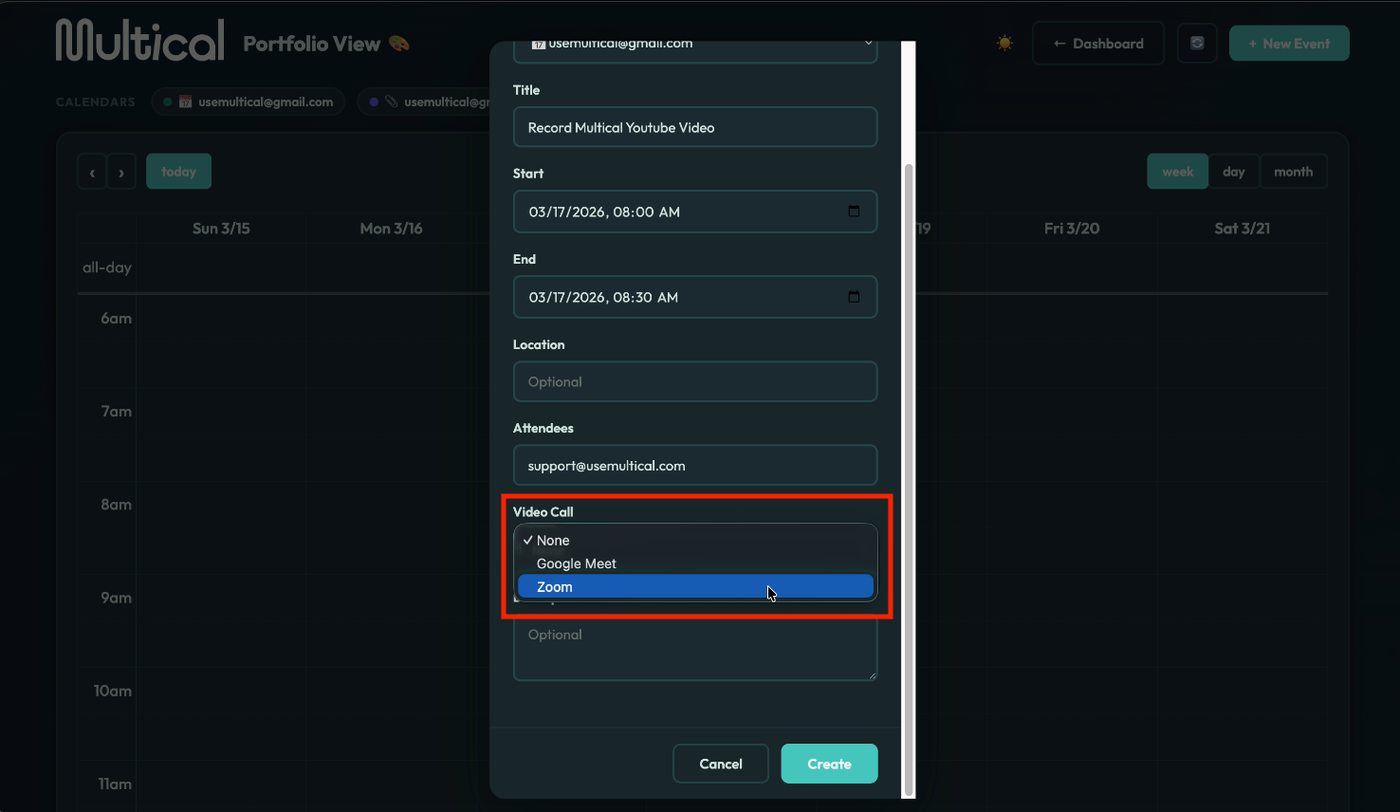
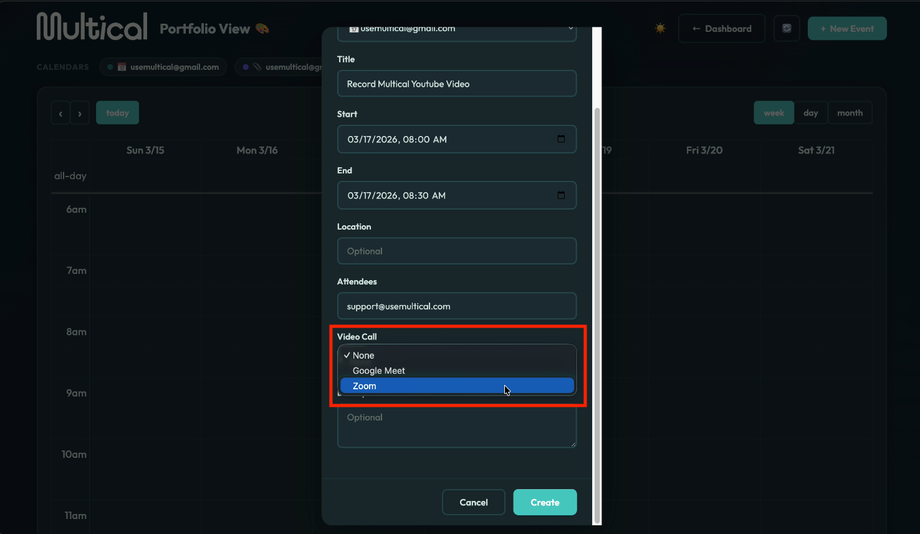
Select a video call service, if applicable, automatically generate a meeting link.
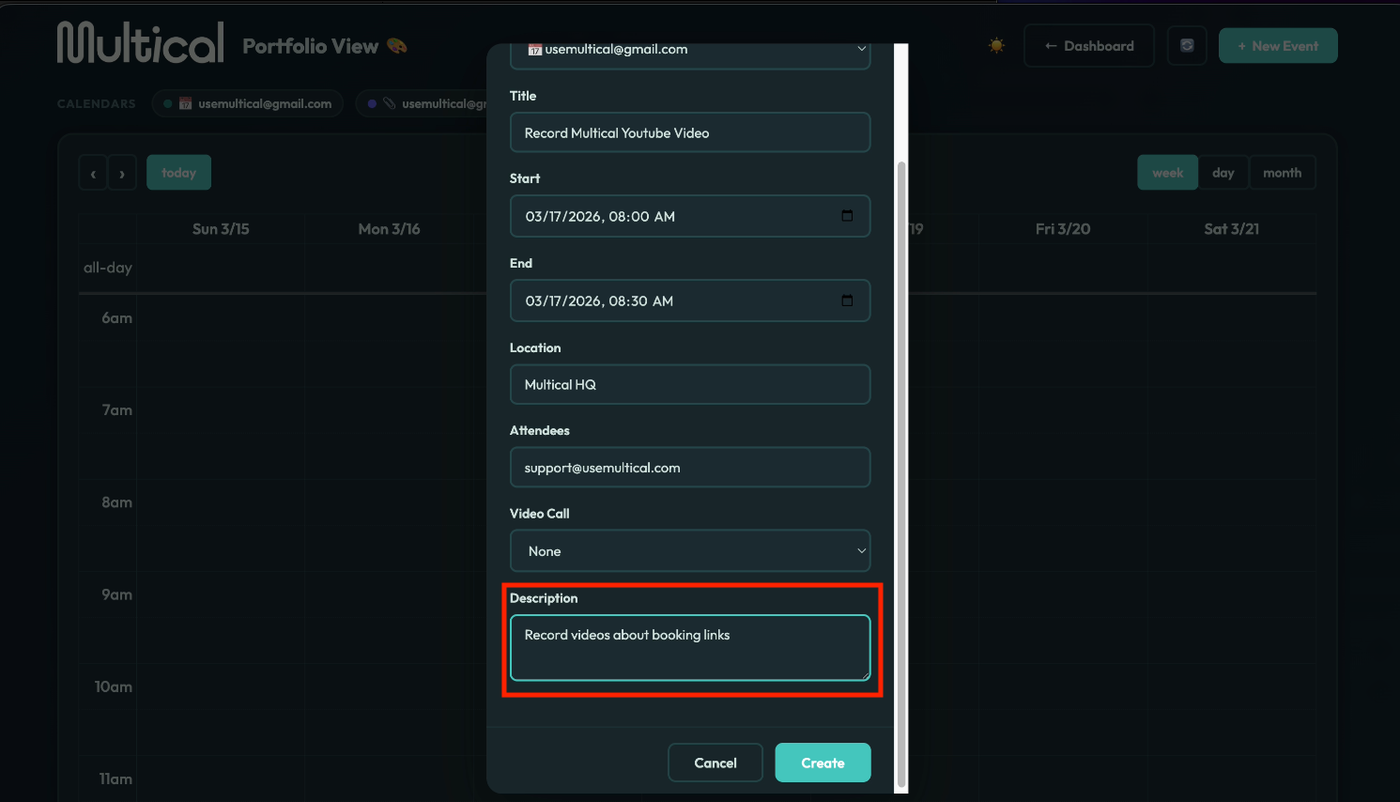
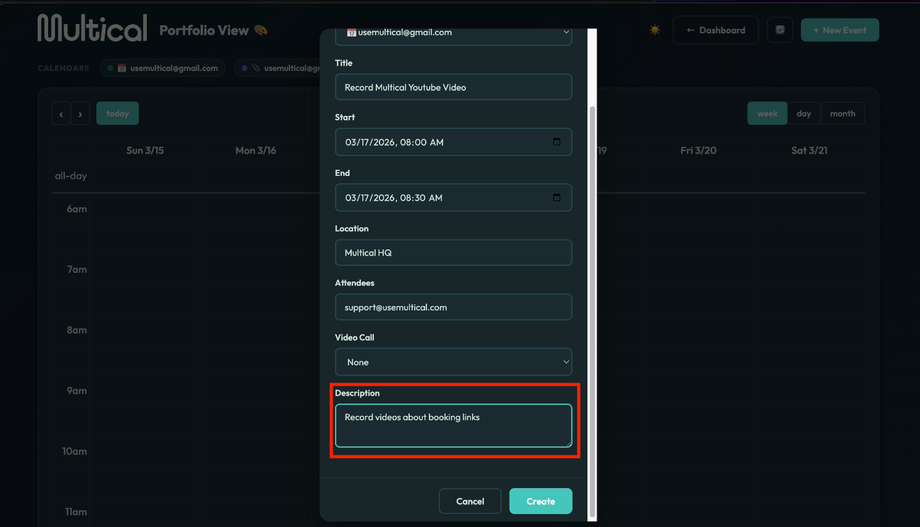
Add an event description, if you would like.
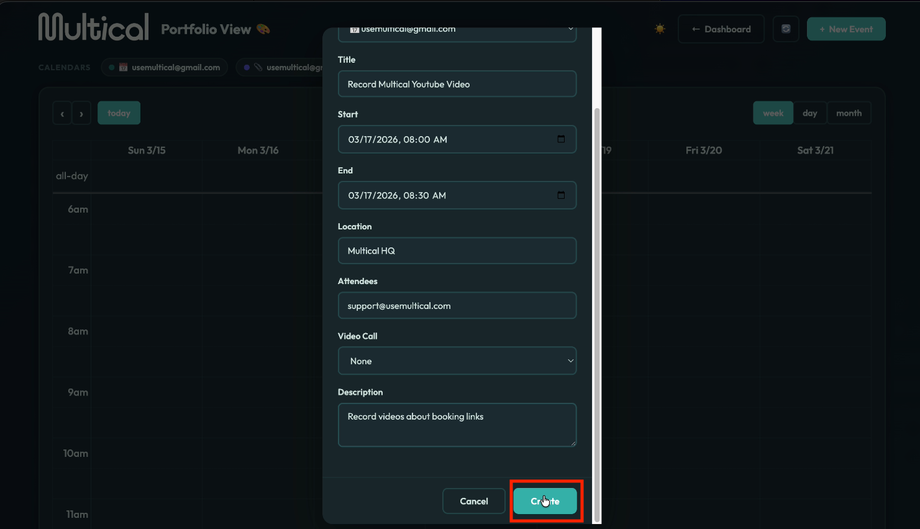
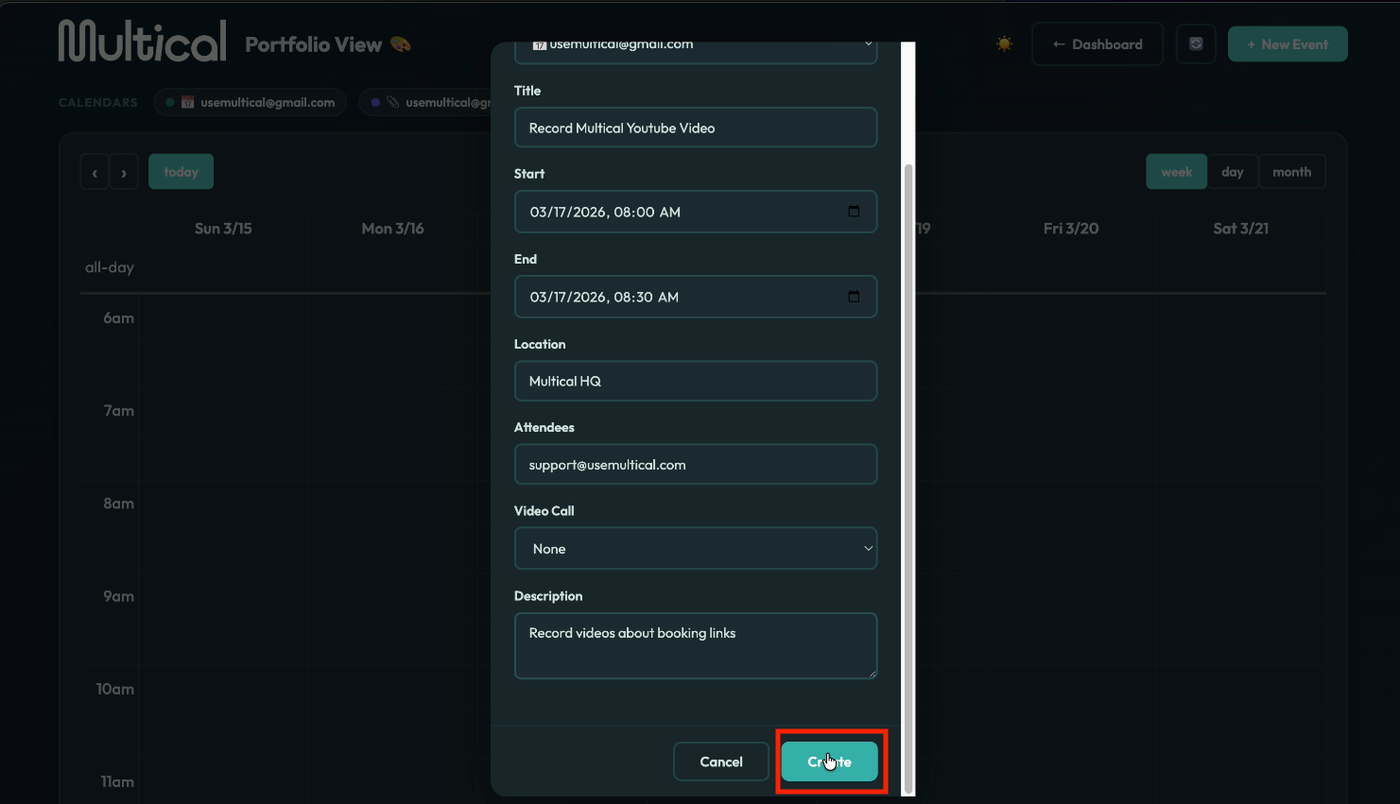
Click the create button.