

Make sure you have connected your Stripe account.
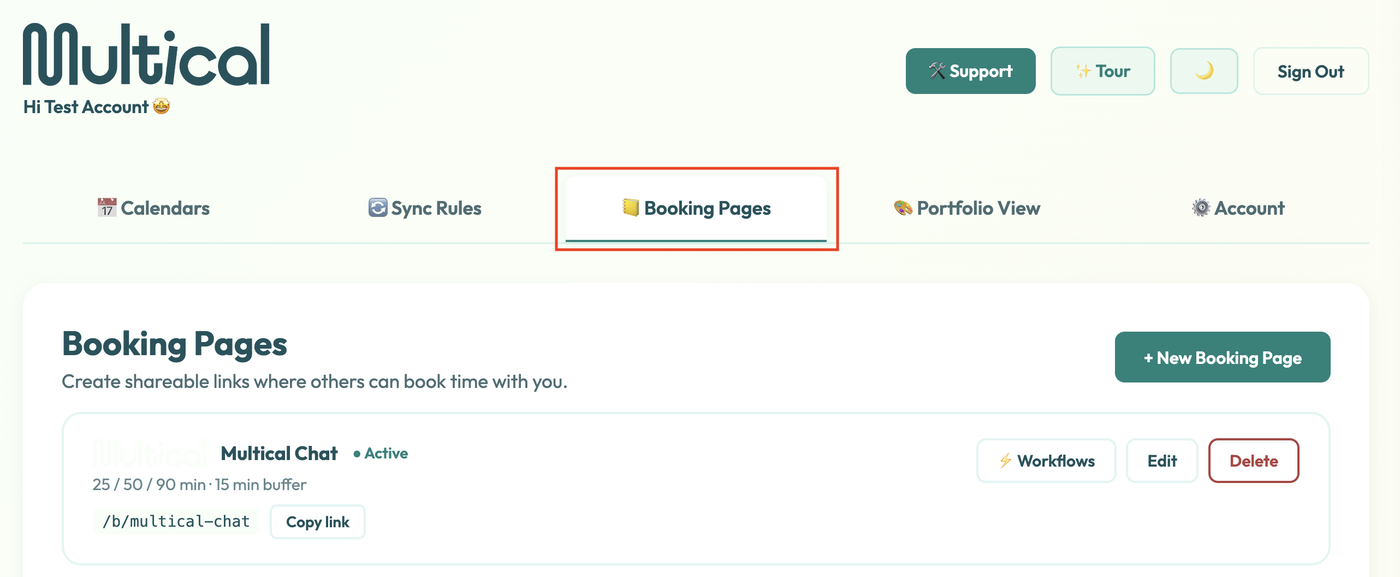
Navigate to the Booking Pages tab
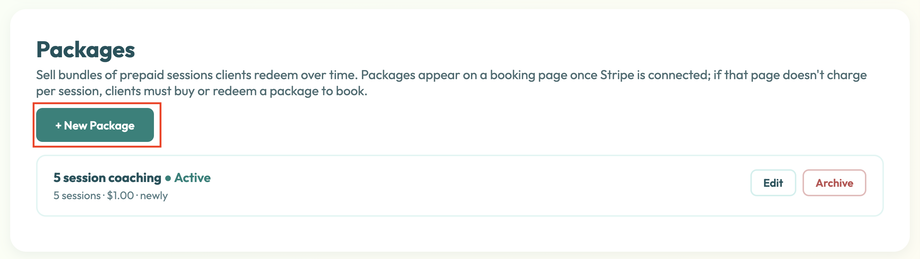
Scroll down to packages and click “New Package”.
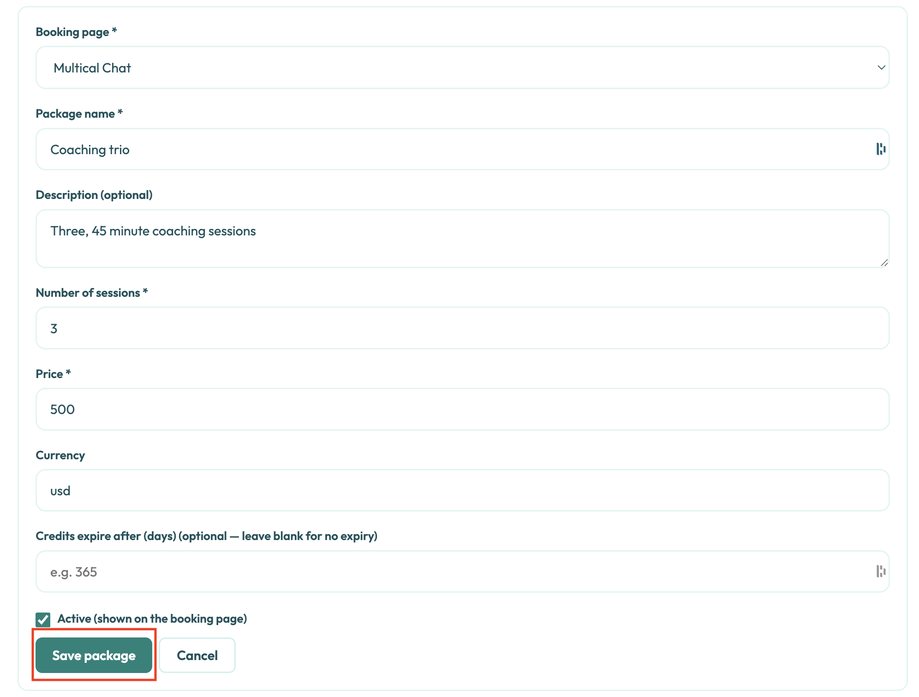
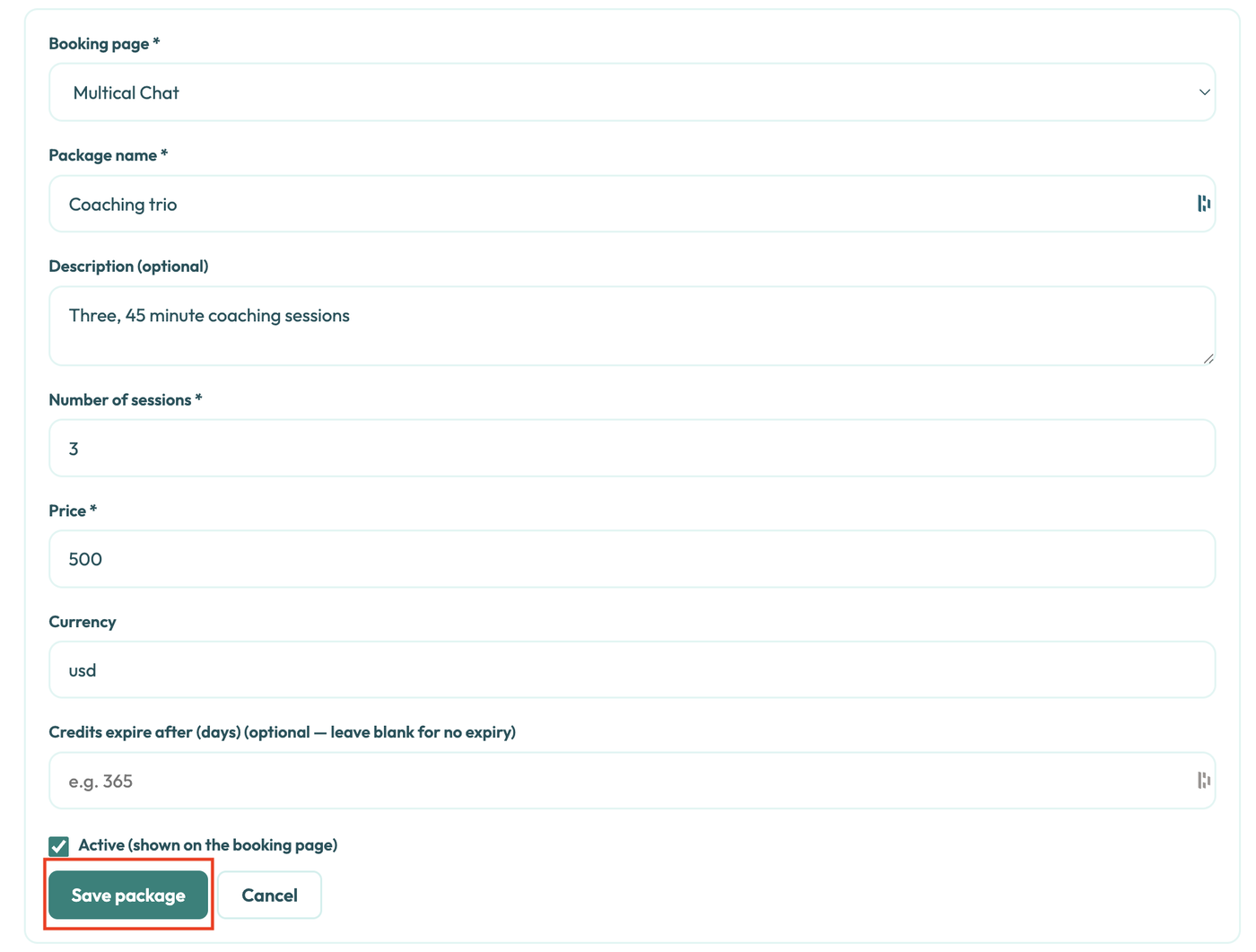
Select which booking page you would like to associate the package with.

Fill out your package details and then click “Save package.”
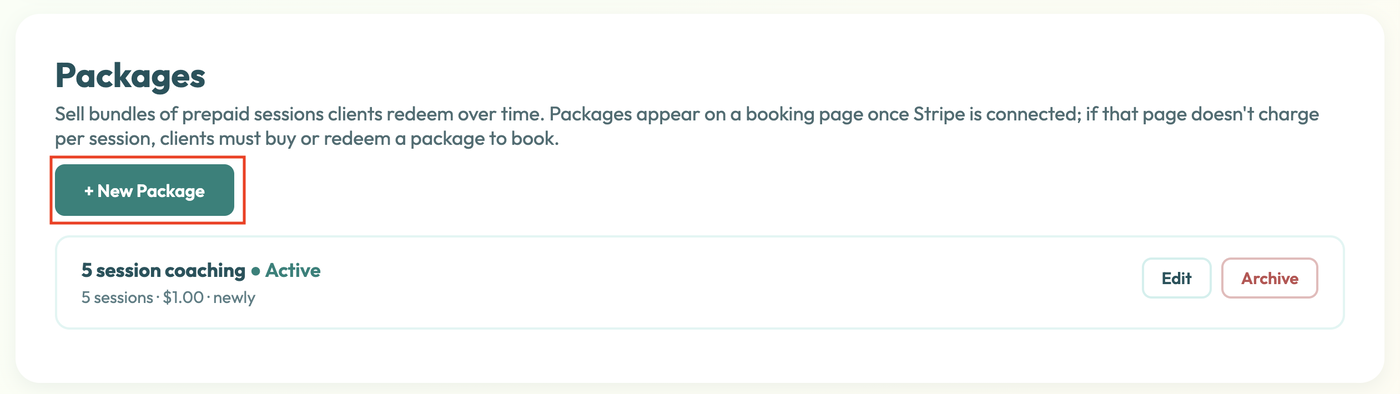

As clients redeem sessions, you’ll be able to see their progress in the Sold Packages section.
