
Sync isn’t working as expected? First double check the settings of your sync rules.
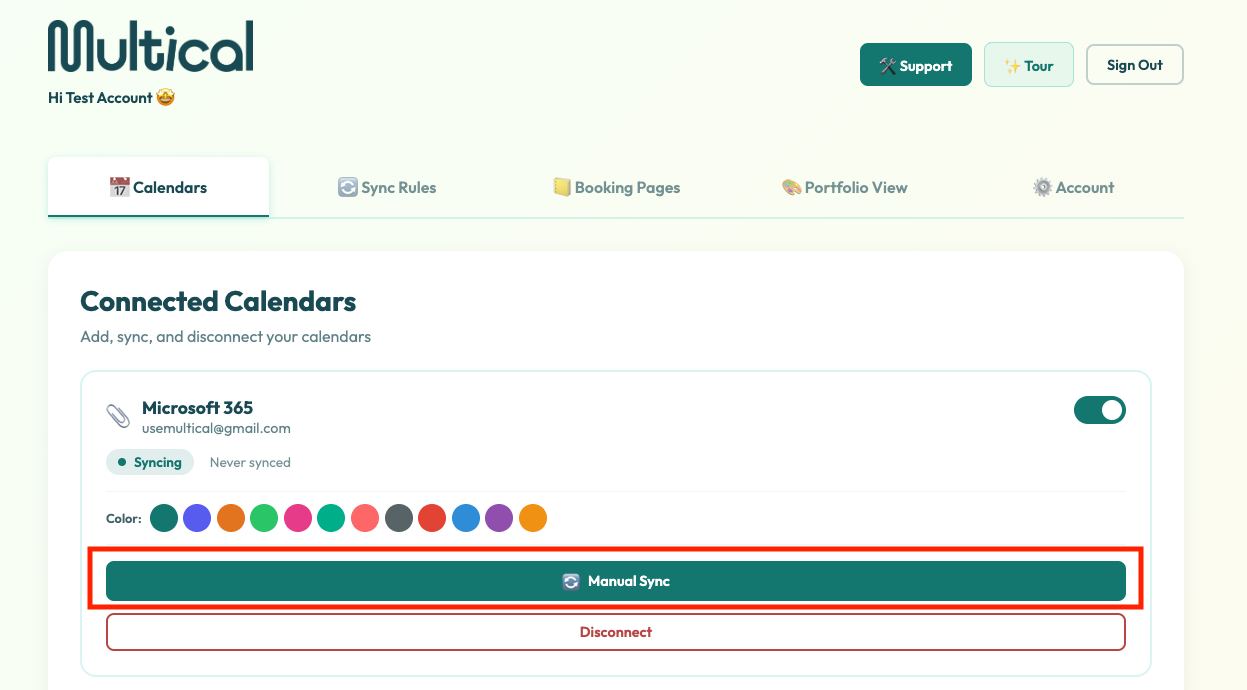
If that still doesn’t address the problem, Manual Sync can help.
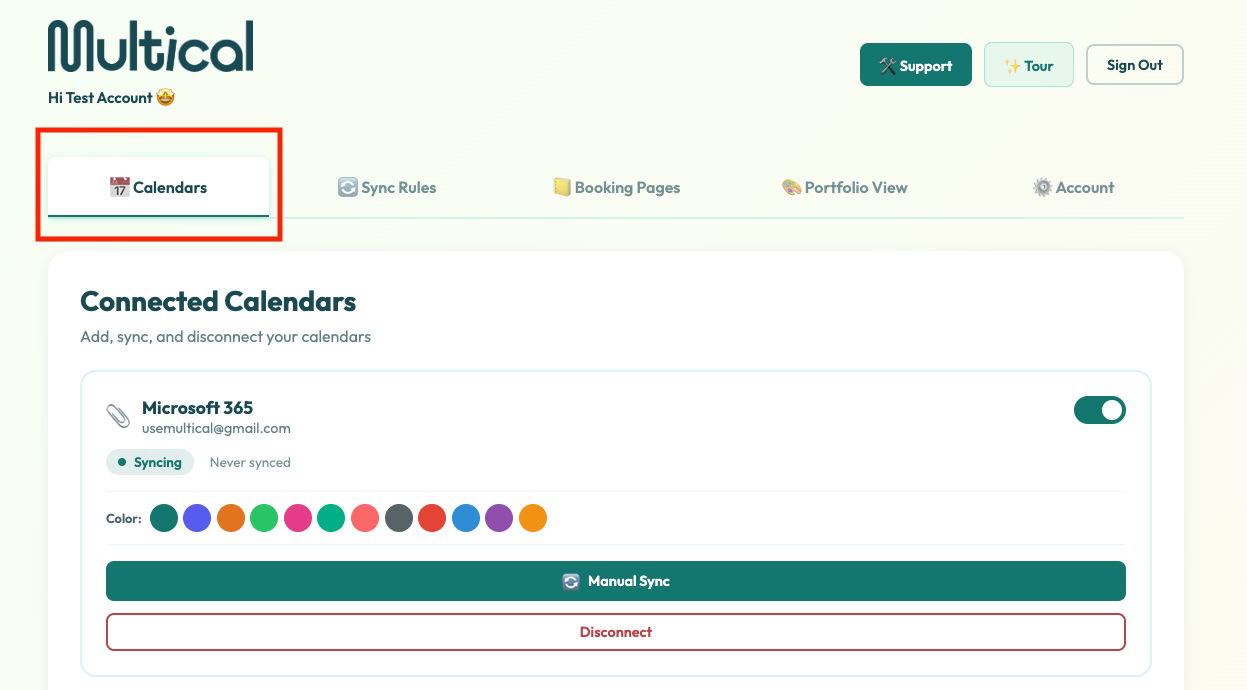
1. Visit the Calendars tab.
2. Click the one of the Manual Sync buttons. Note: This will trigger a re-sync of all of your calendars. You do not need to click the button for each calendar.