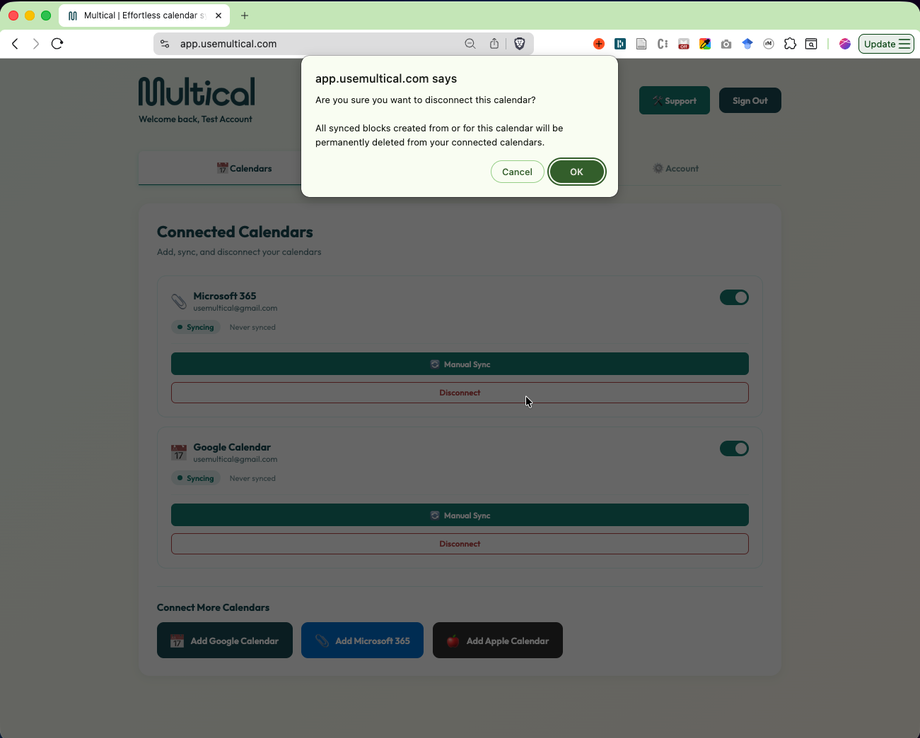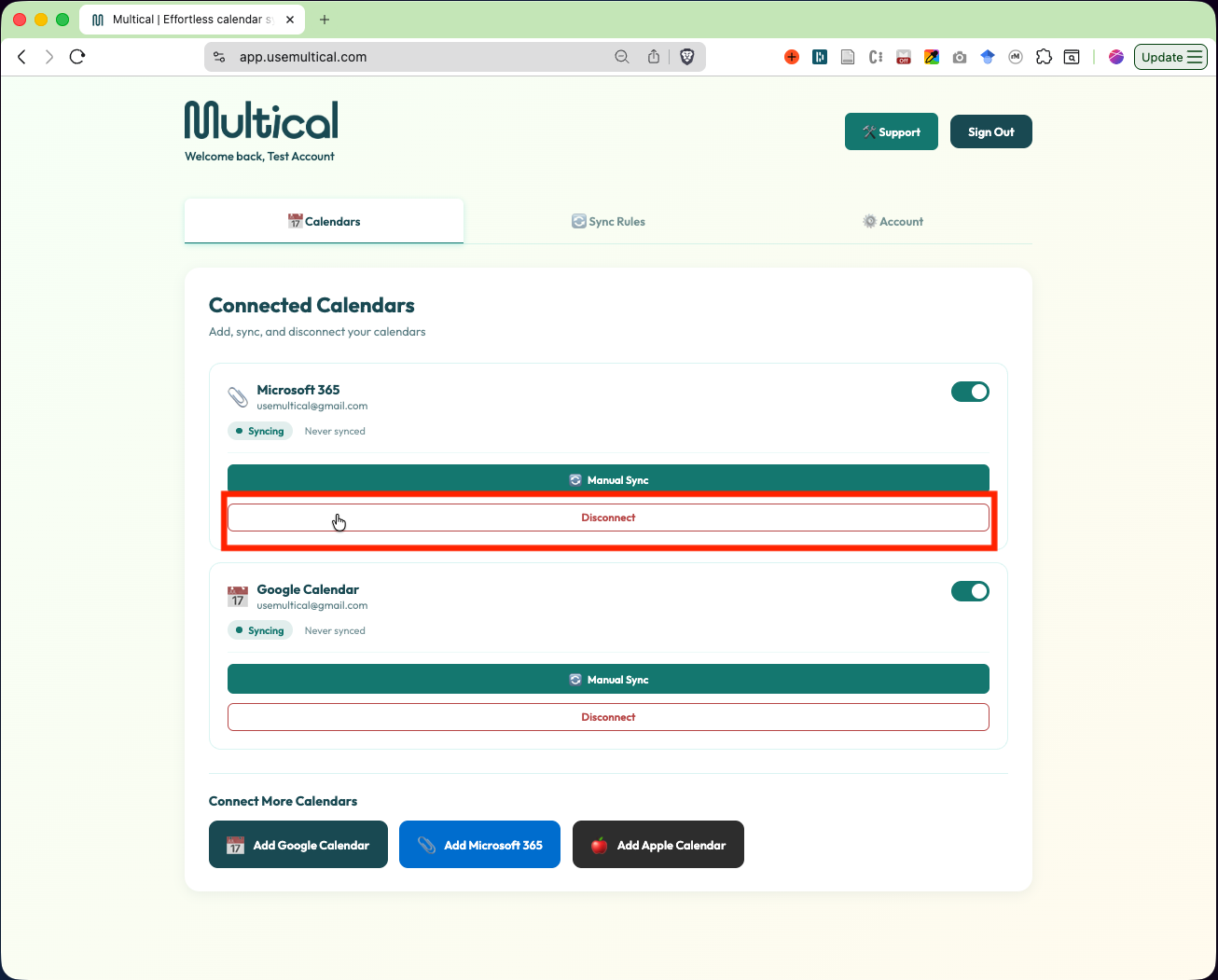
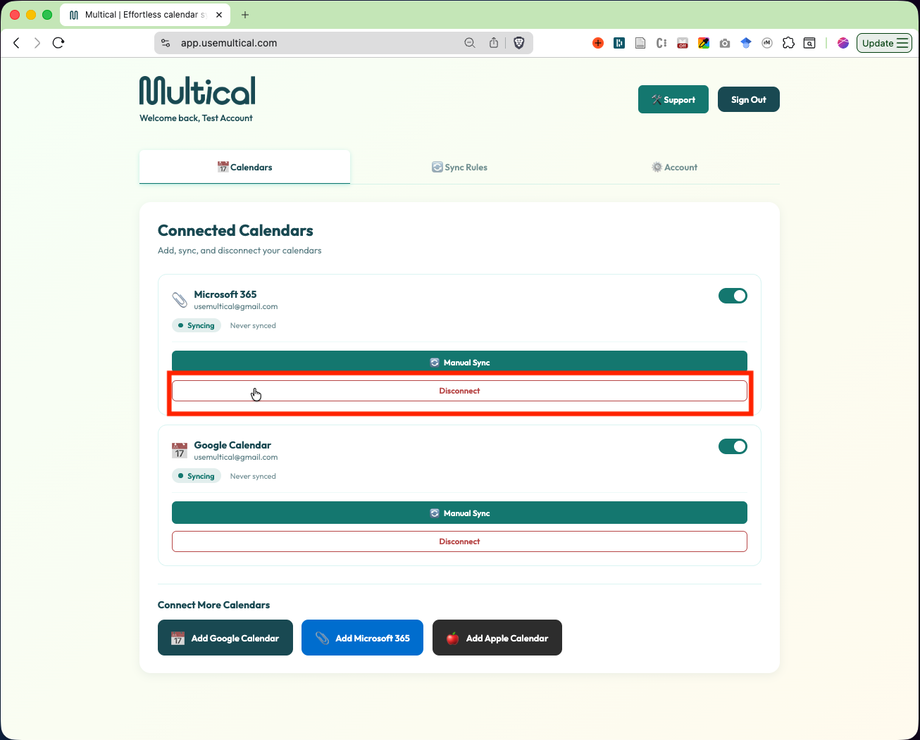
You can disconnect a calendar by clicking the Disconnect button on the Calendars tab.
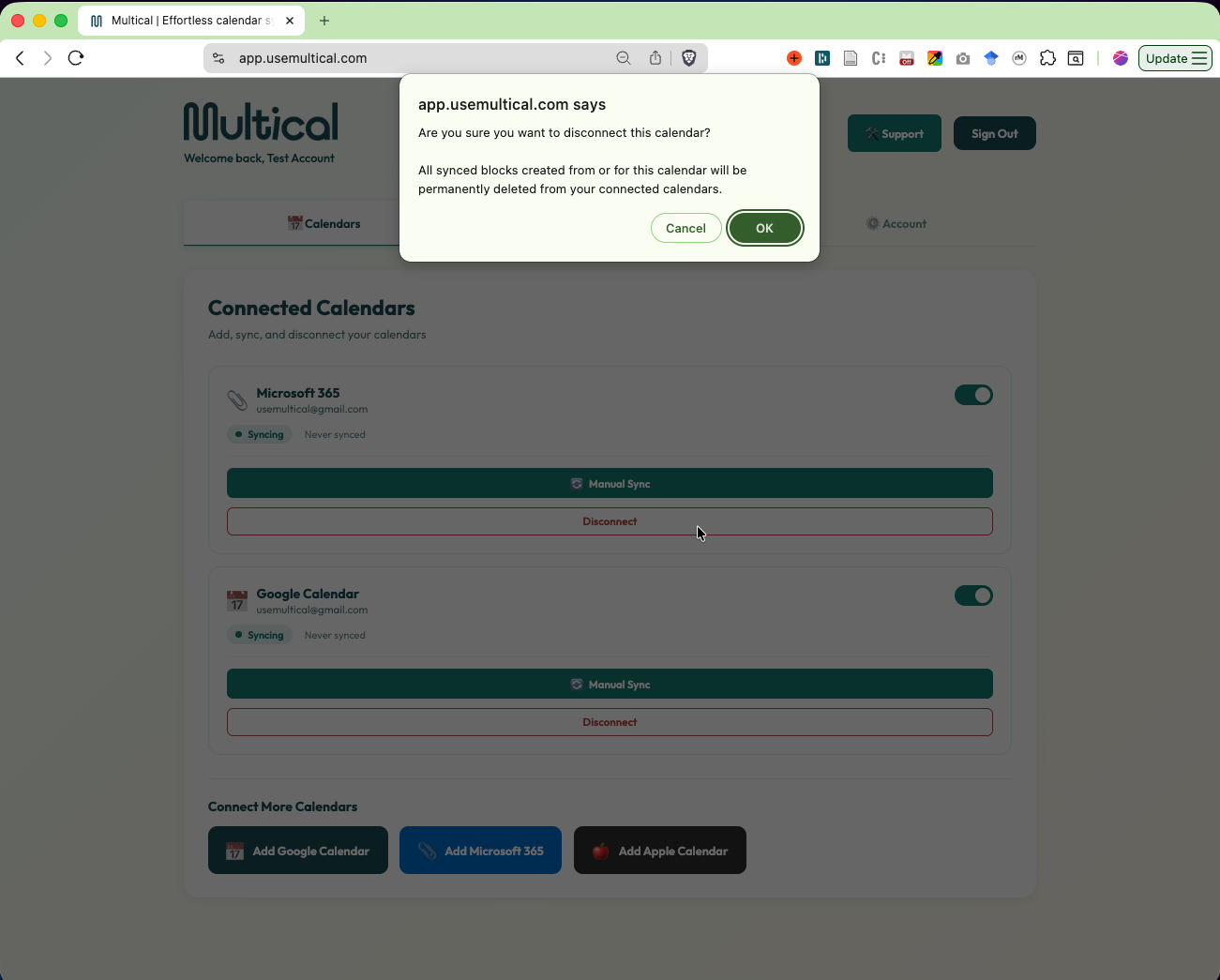
As the popup shows, disconnecting Multical will remove any blocks where this calendar is the source or the target calendar. It will not remove any events you have created outside of Multical.