
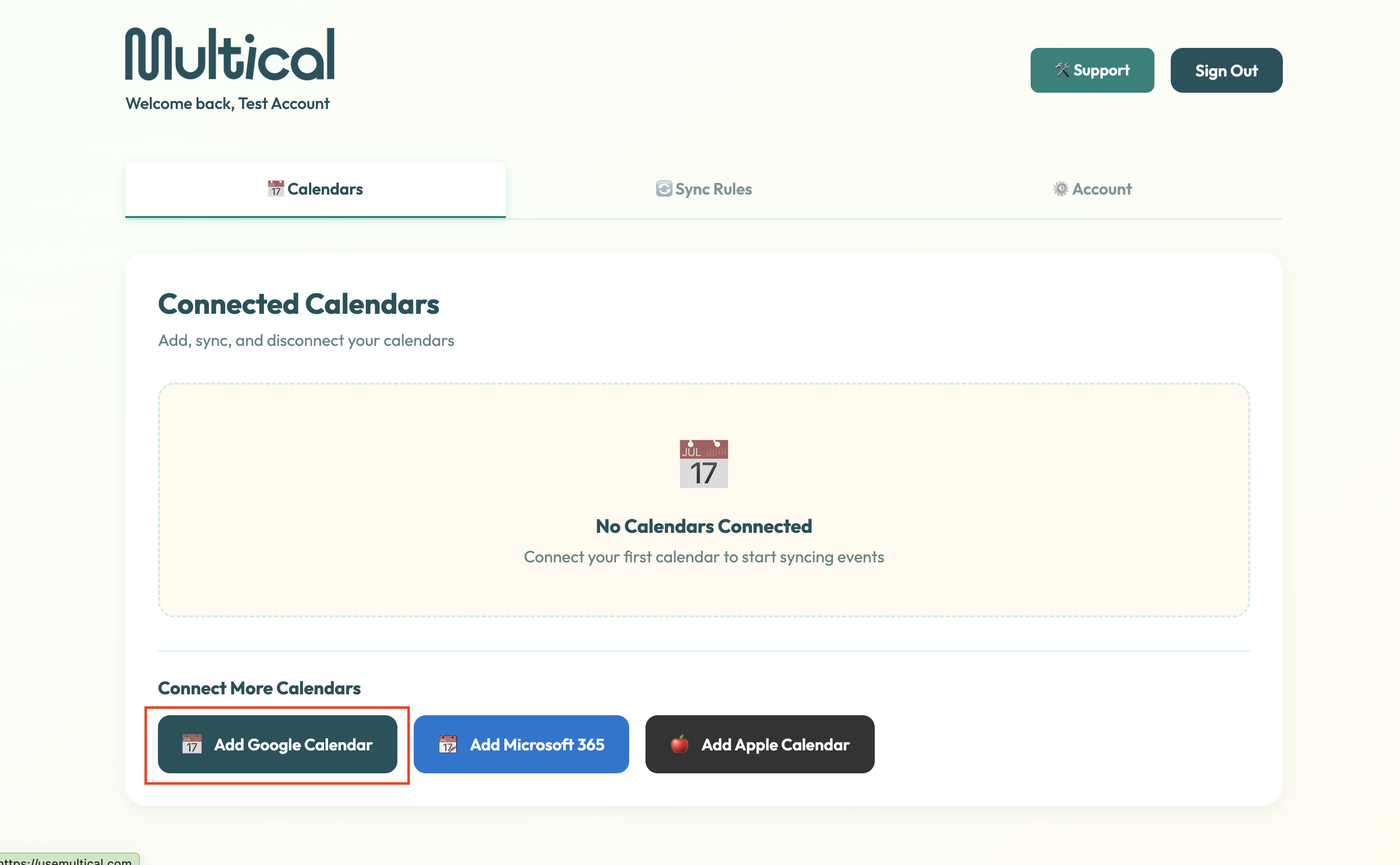
Click on the Add Google Calendar button
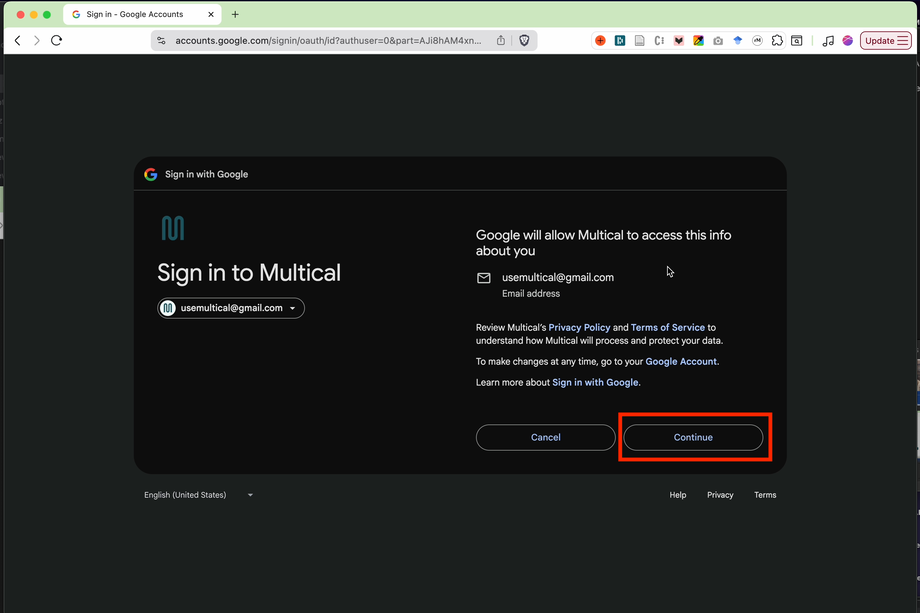
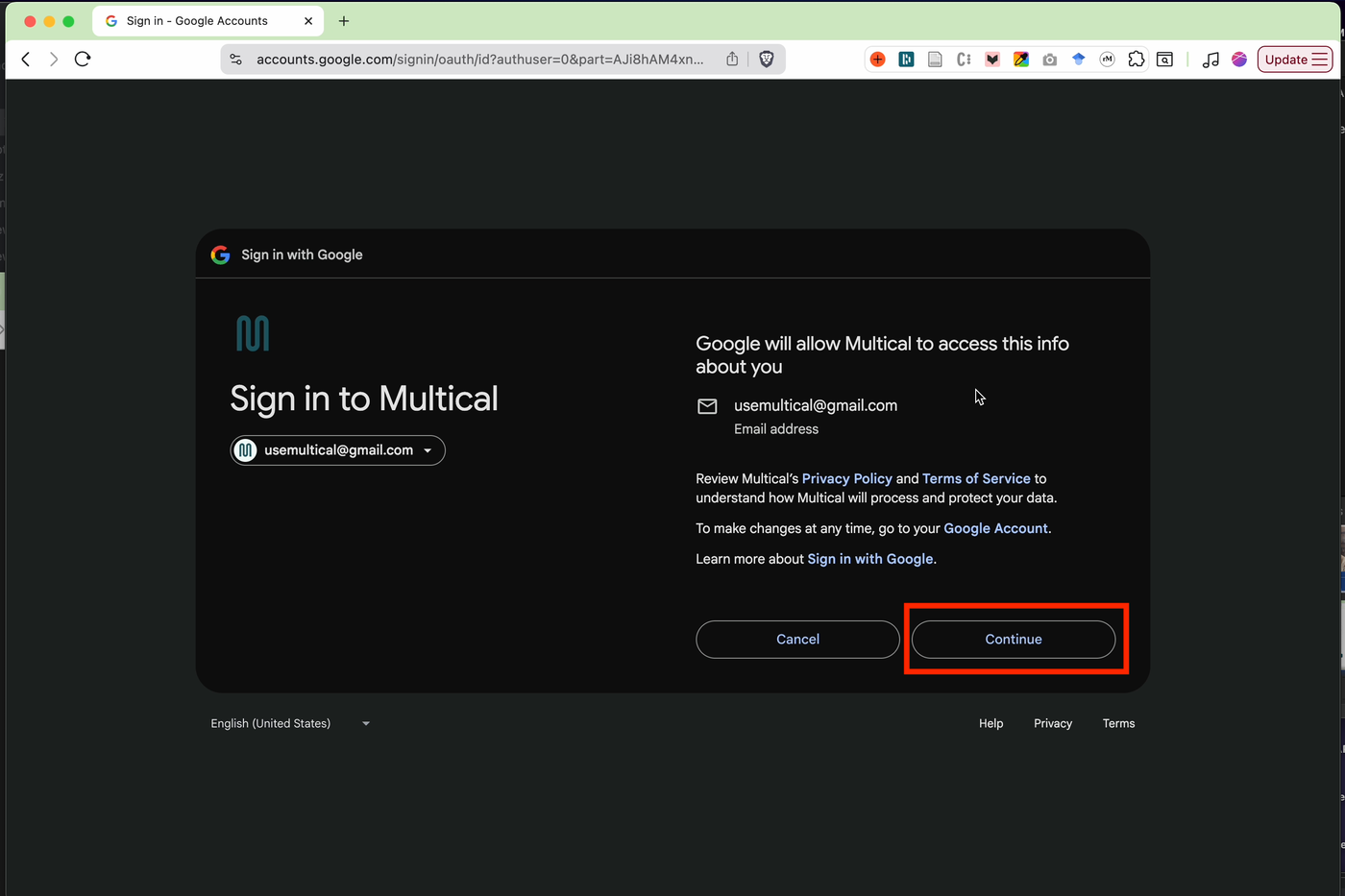
Click continue on the “Google will allow Multical to access this info about you” screen
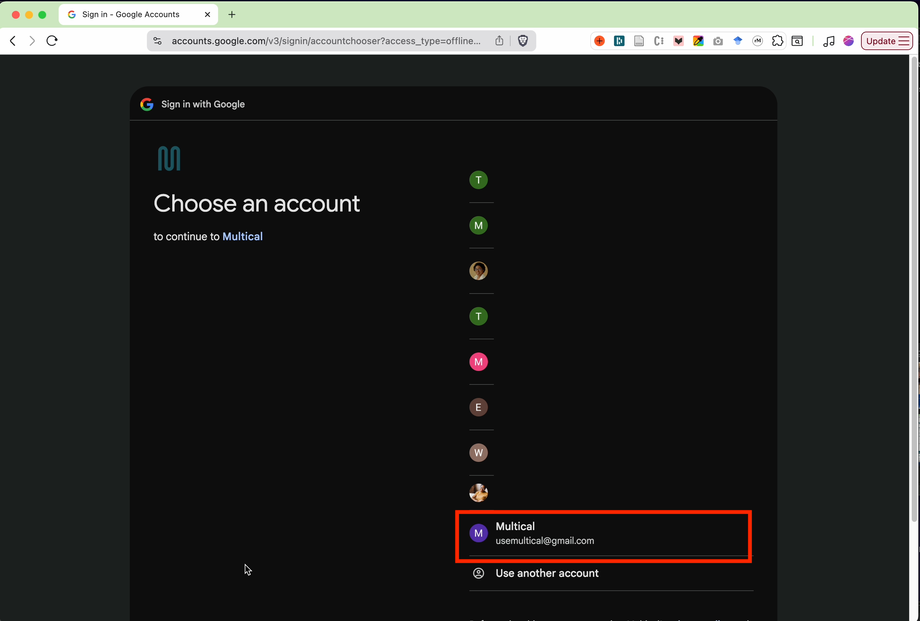
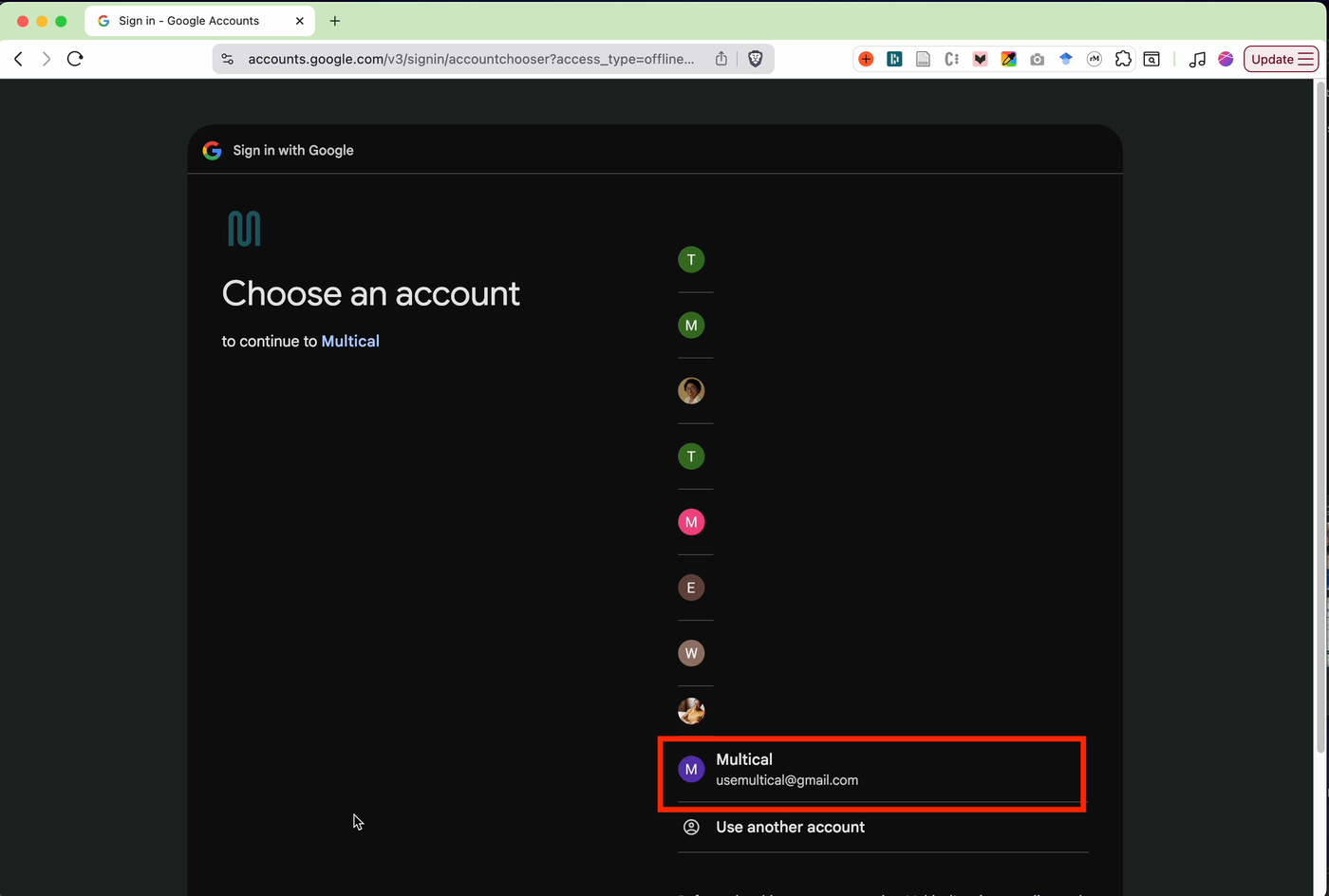
Select the Google account whose calendar you’d like to add
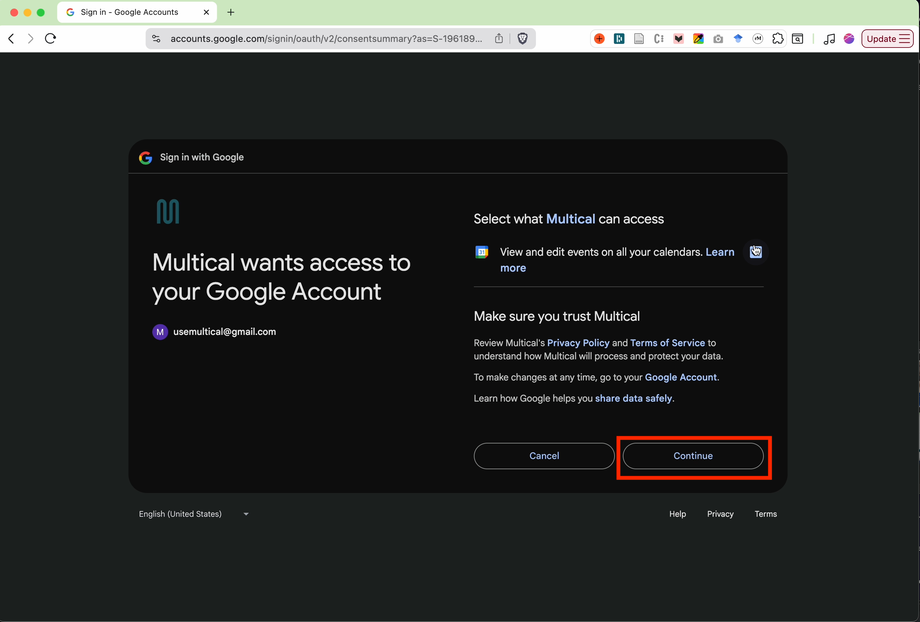
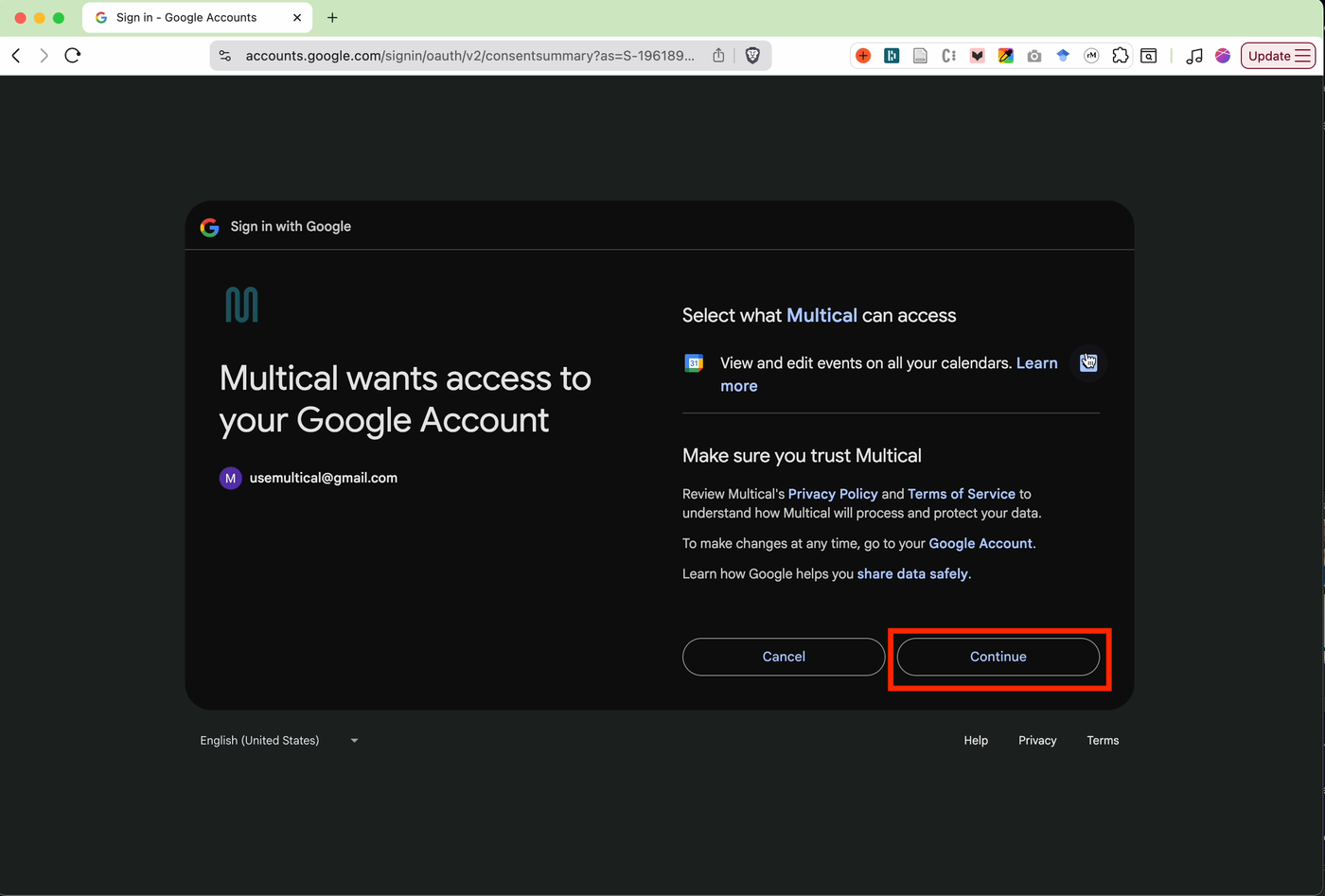
4. Select continue on the “Select what Multical can access screen”
5. Your Google Calendar is connected! 🎉🎉🎉
Microsoft
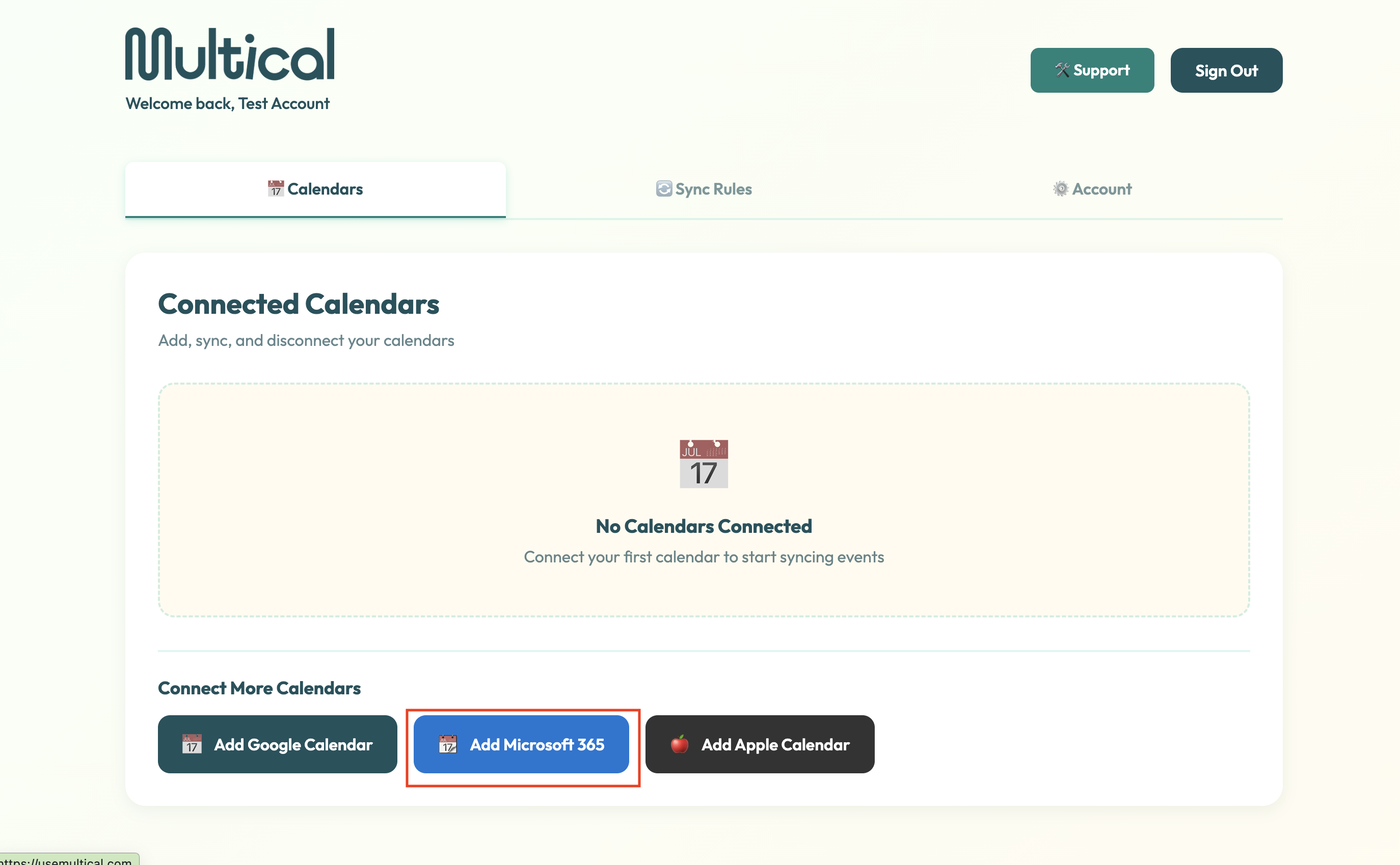
1. Click on the Add Microsoft 365 button
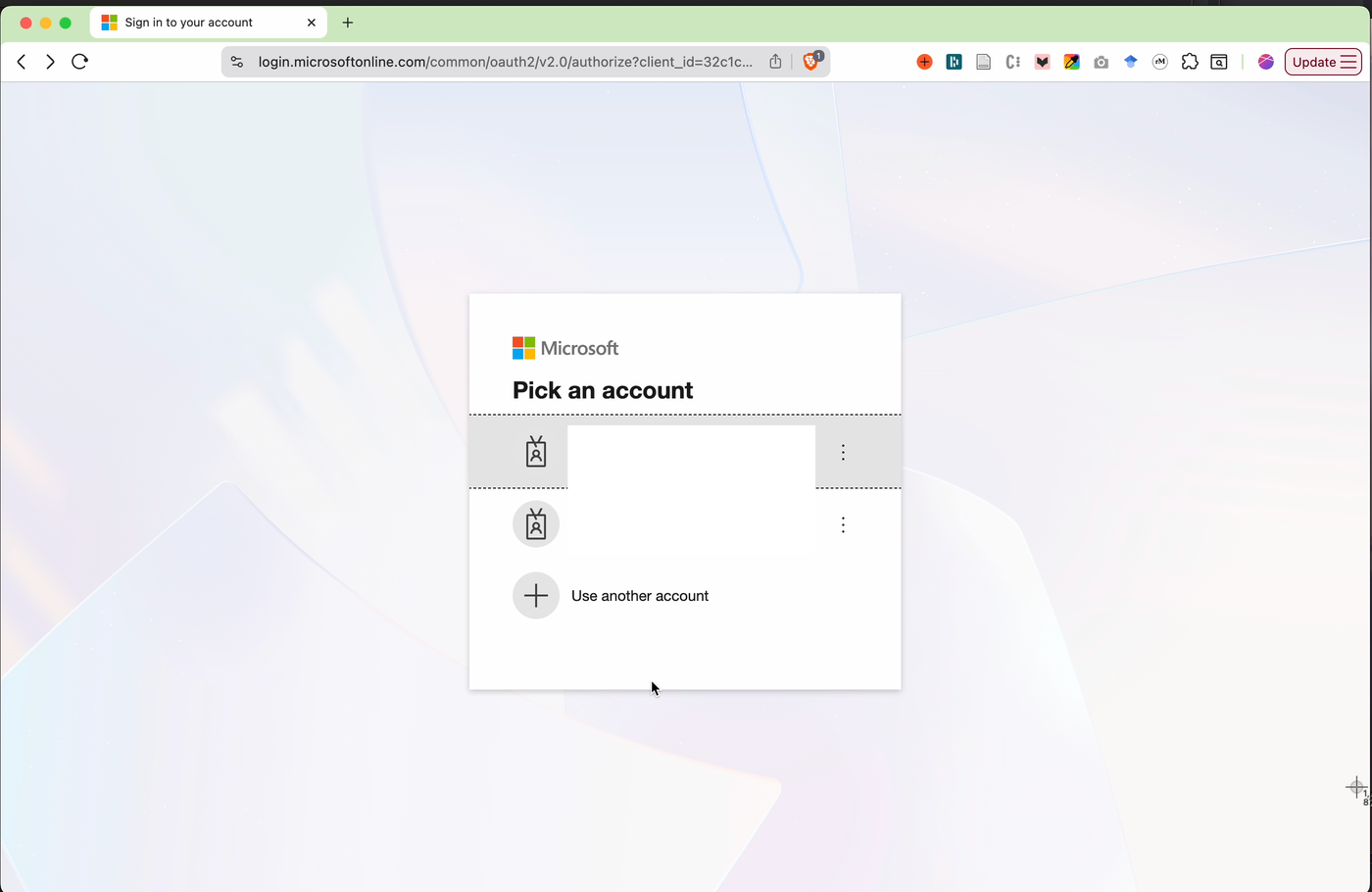
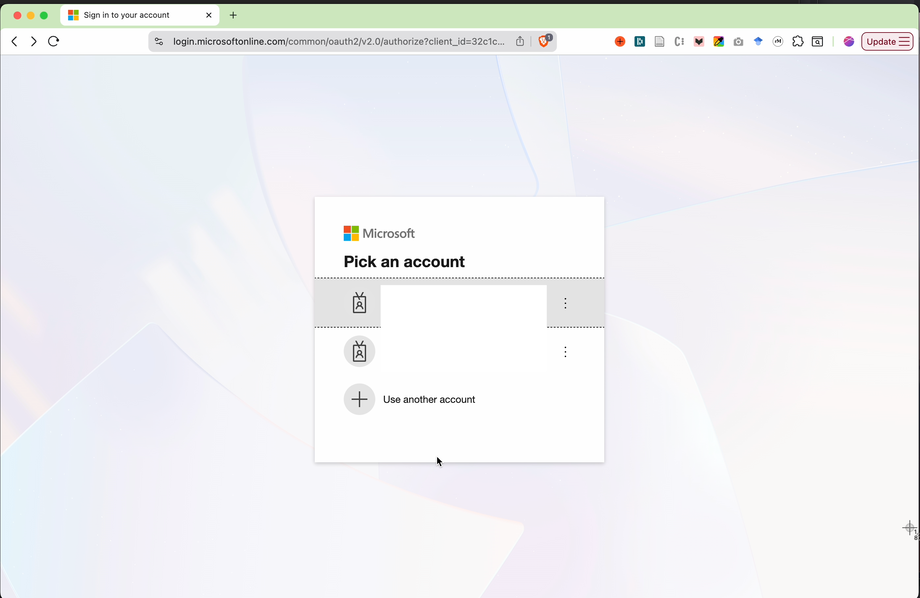
Click on the Microsoft account whose calendar you’d like to add
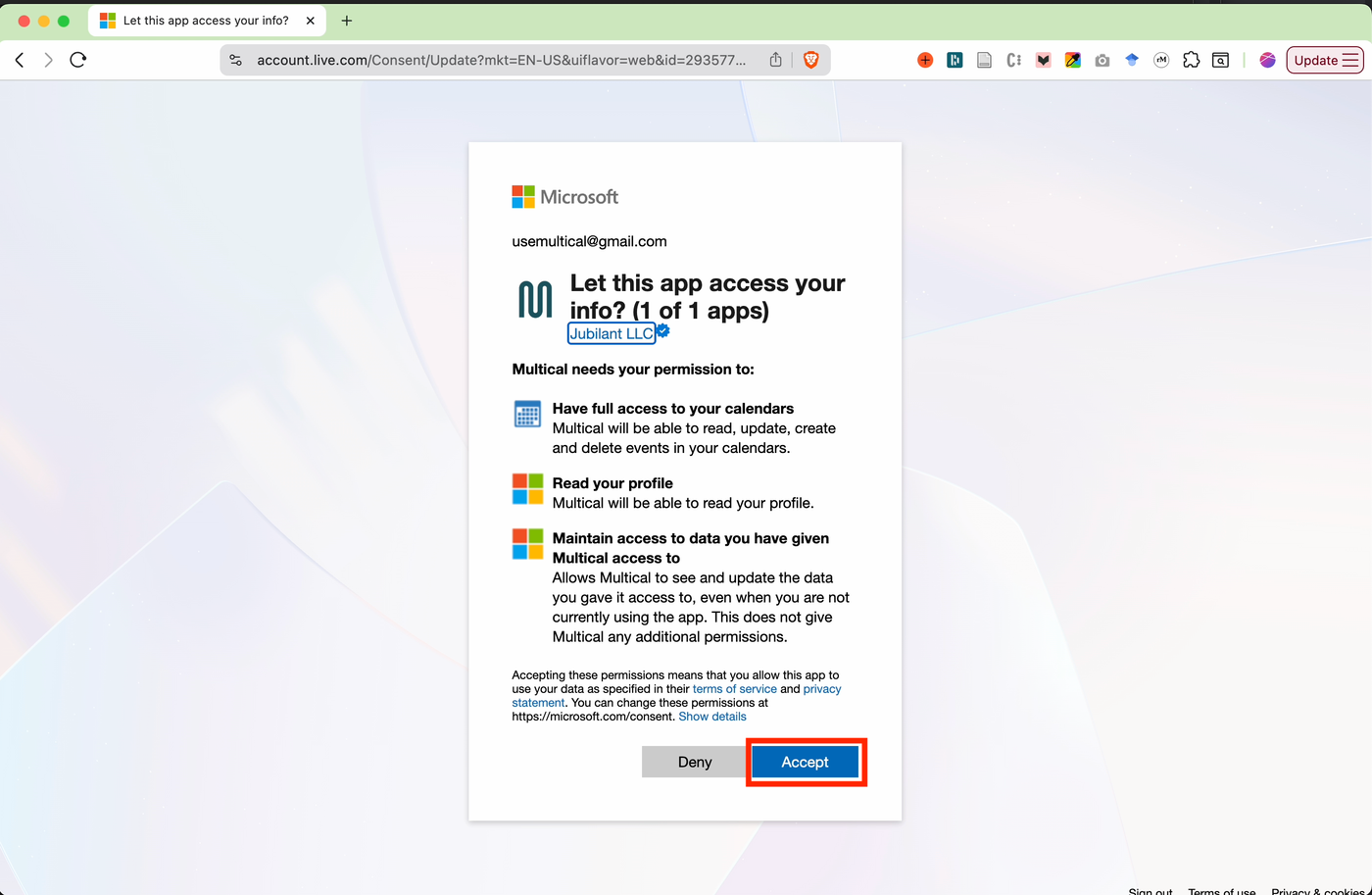
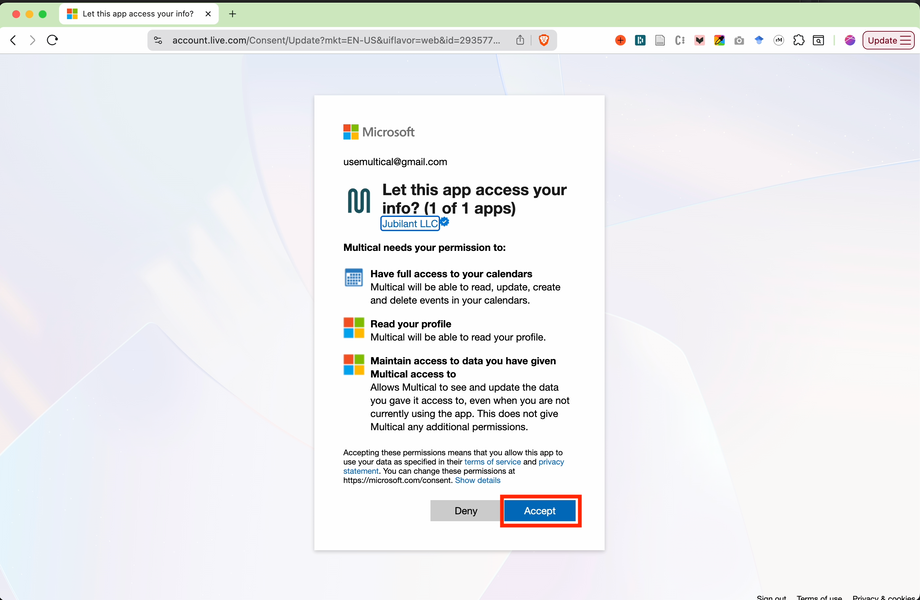
Click accept on the “Let this app access your info?” screen
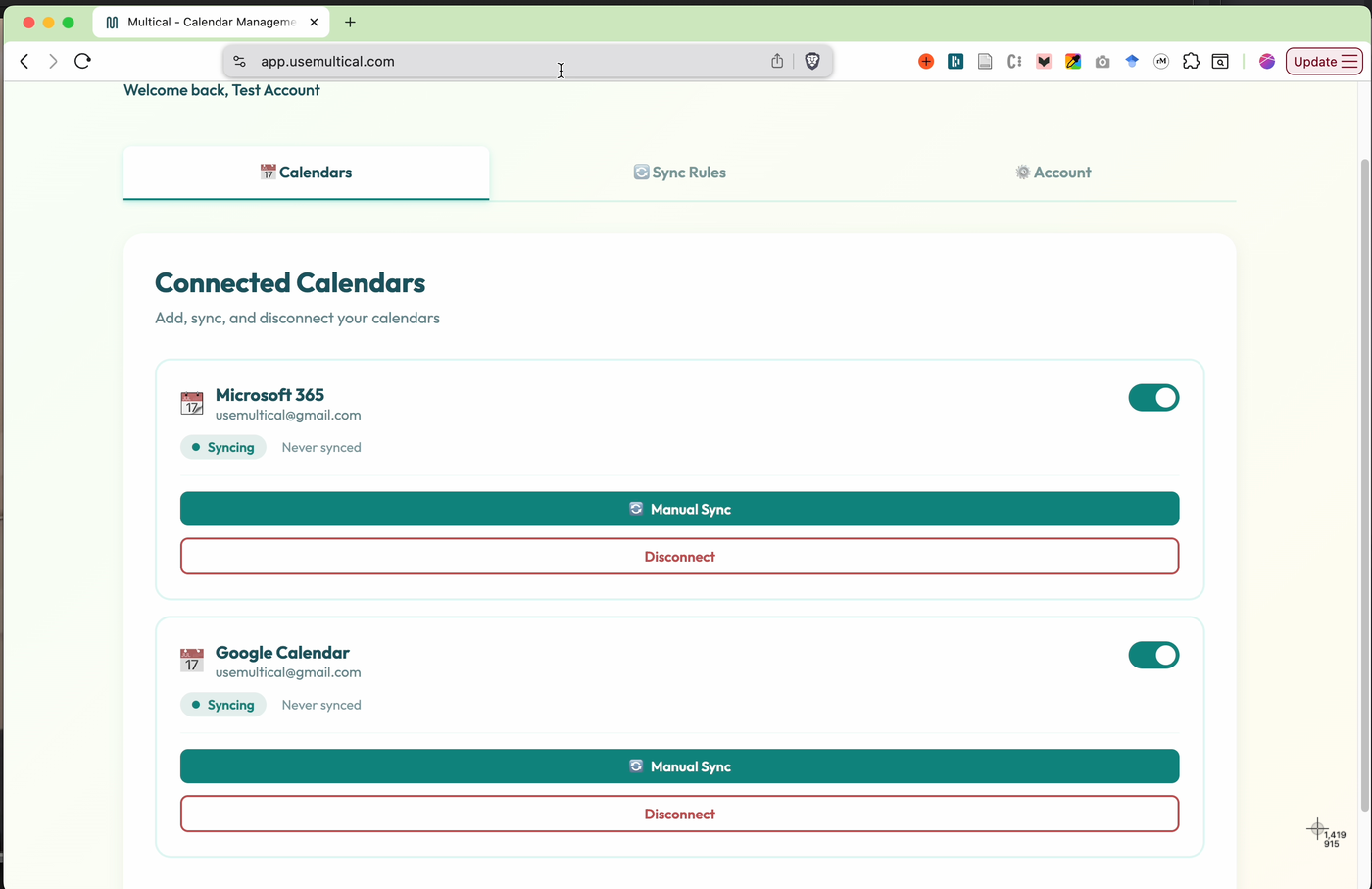
Your Microsoft Calendar is connected! 🎉🎉🎉
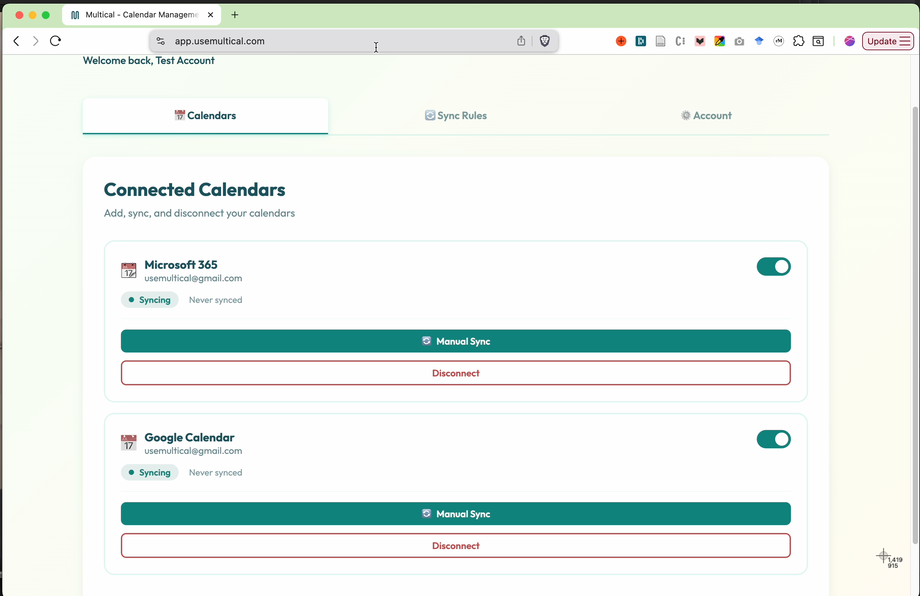
Congrats, you’re ready to set your first sync rules!